443
ADOBE FRAMEMAKER 7.0
Classroom in a Book
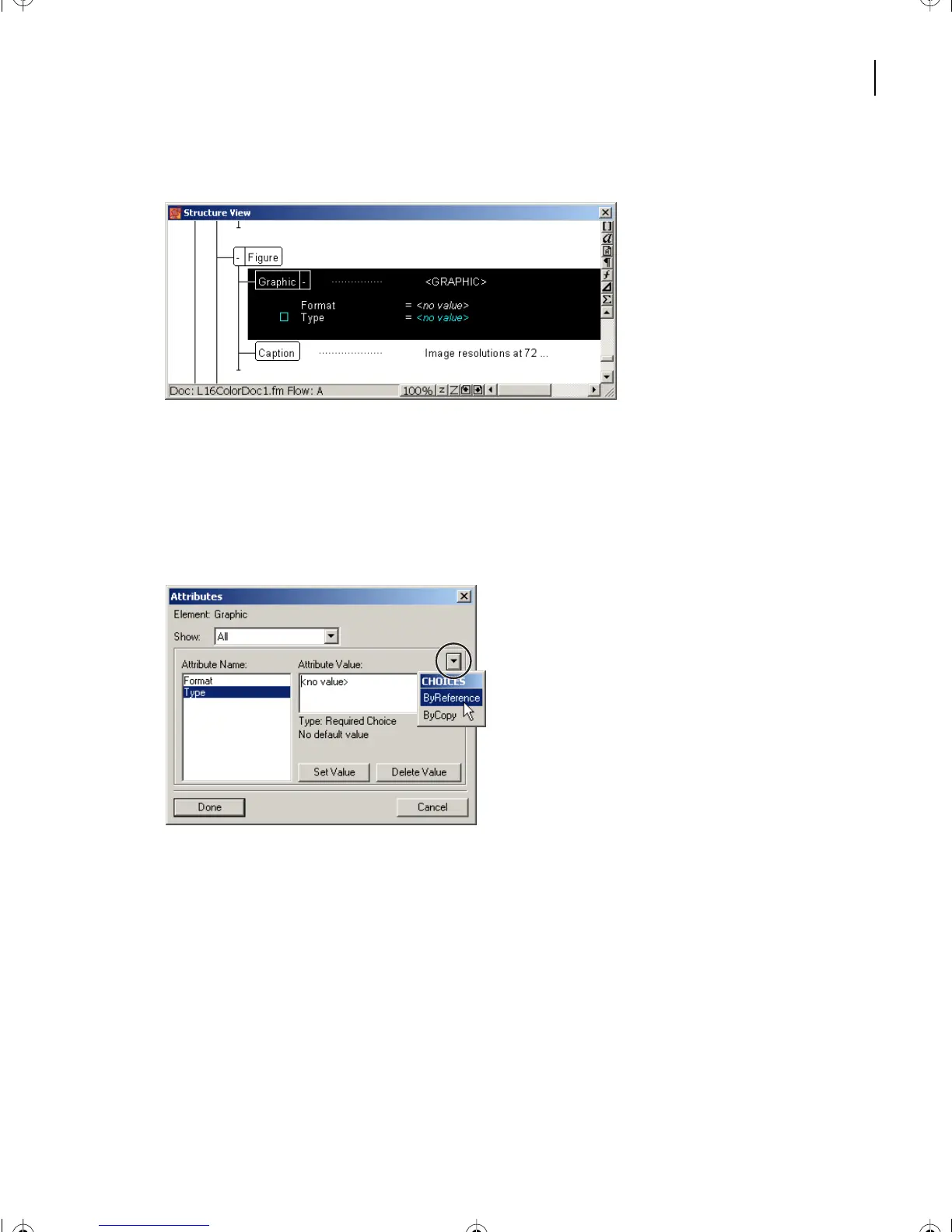
The Structure View appears with the validation issue indicated by being selected.
2
In the Structured View, double-click the words <no value>.
The Attributes box appears, indicating <no value> for Type.
3 Select Type under Attribute Name.
4 Click and hold the pop-up menu button to the right of the area called Attribute Value.
5 From the Choices pop-up menu, choose ByReference.
L17.fm Page 443 Saturday, July 6, 2002 4:37 PM



 To Next Page