LESSON 17
444
Authoring XML
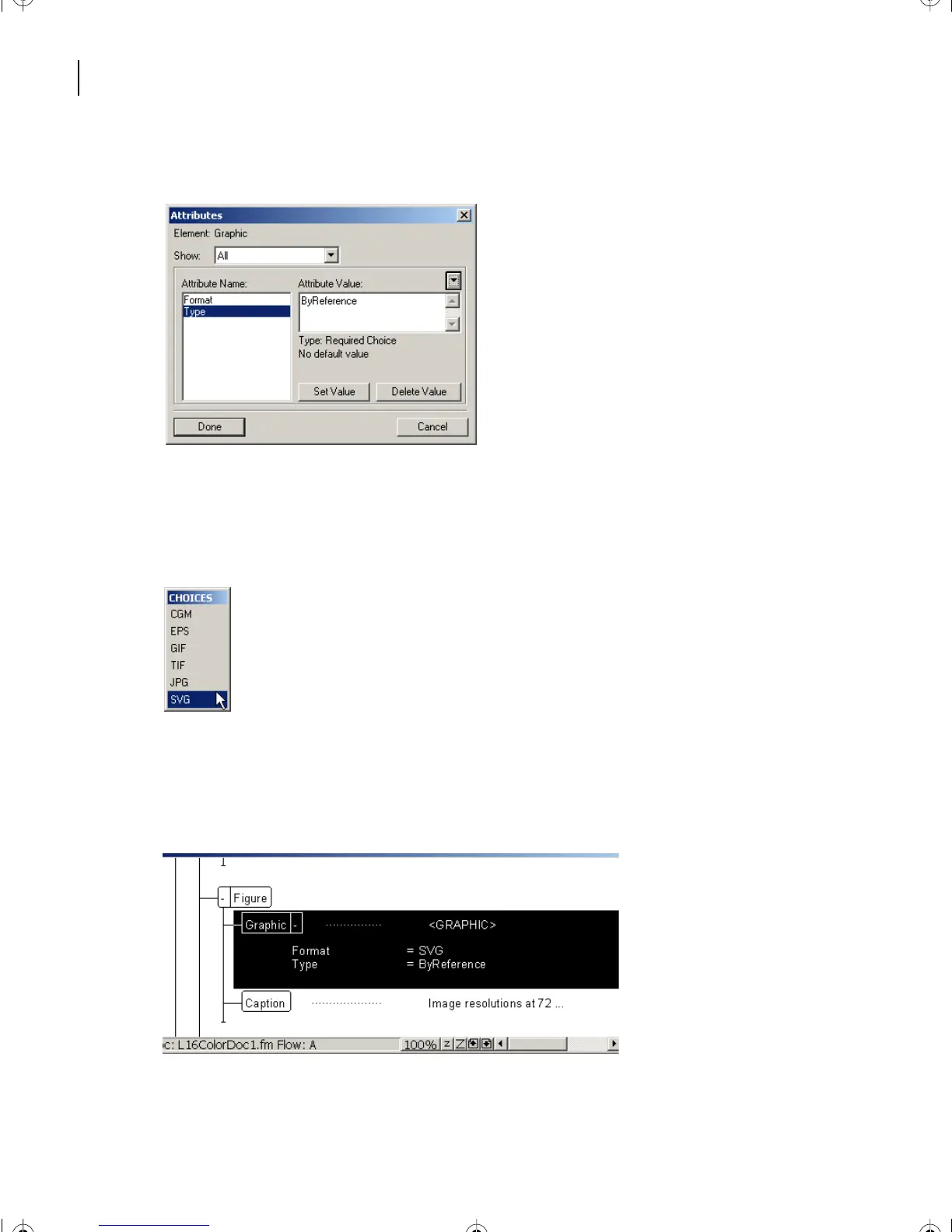
ByReference appears in the Attribute Value area of the Attributes box as the Type value.
6 Click Set Value to keep the ByReference choice.
7 Under Attribute Name, click Format.
8 The Attribute Value pop-up menu now contains graphic formats. Choose > SVG.
9 Click Set Value to keep the SVG choice.
10 Click Done.
The attributes structured for Resolution.svg have been corrected.
11 Now return to the Element Validation box and click Start Validating again.
L17.fm Page 444 Saturday, July 6, 2002 4:37 PM



 To Next Page