445
ADOBE FRAMEMAKER 7.0
Classroom in a Book
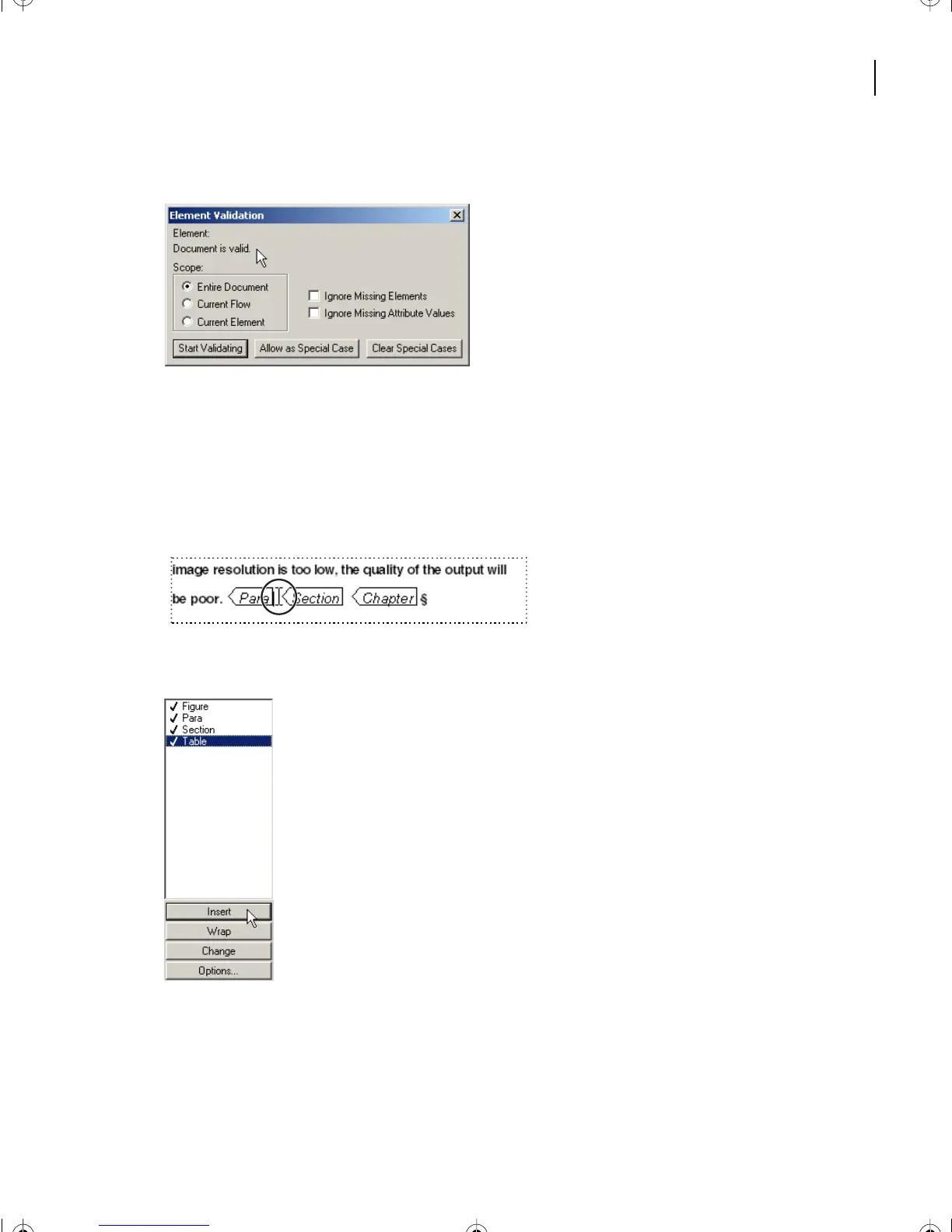
The document is reported to be valid.
12 Save the document.
Inserting a [Table] element
1 Scroll to the end of the document, and place the cursor at the end of the last paragraph
ending with the words be poor.
2 In the Element Catalog, select Table.
3 Click on Insert.
The Insert Table dialog box appears.
L17.fm Page 445 Saturday, July 6, 2002 4:37 PM



 To Next Page