449
ADOBE FRAMEMAKER 7.0
Classroom in a Book
11 Click Apply.
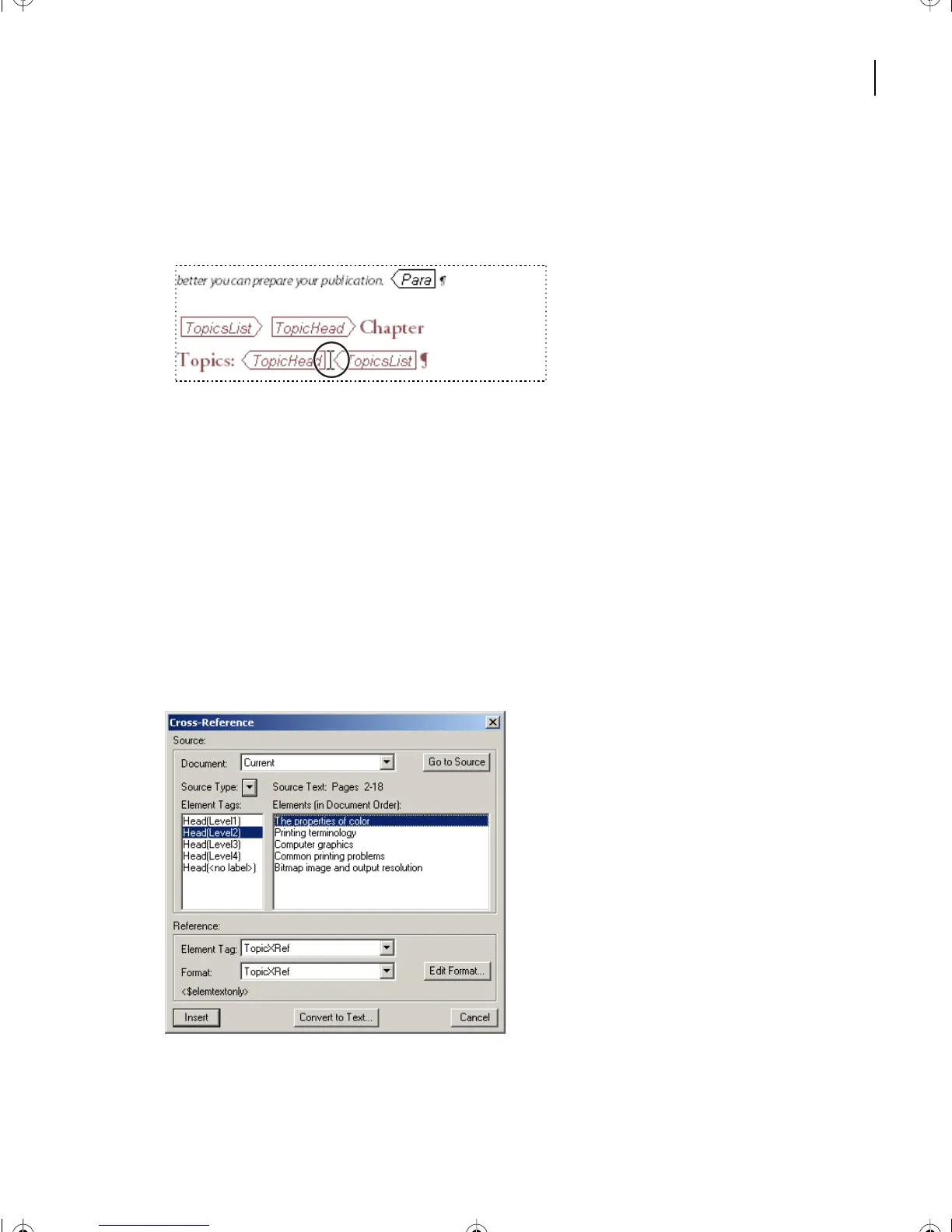
12 Move the cursor to the end of the paragraph between the last two element boundary
markers: [TopicHead] and [TopicsList].
13 In the Element Catalog, click once on TopicPara.
14 Click Insert.
15 The Cross-Reference dialog box appears.
Adding [Topic] paragraphs
In the Cross-Reference dialog box, proceed exactly in the same way as you did in
Lesson 10.
1 Choose HeadLevel(2) if it is not already selected in the Element Tags area.
2 In the Elements area, choose The Properties of Color.
3 Click Insert.
L17.fm Page 449 Saturday, July 6, 2002 4:37 PM



 To Next Page