LESSON 18
460
Exporting and Importing Structured Files
2
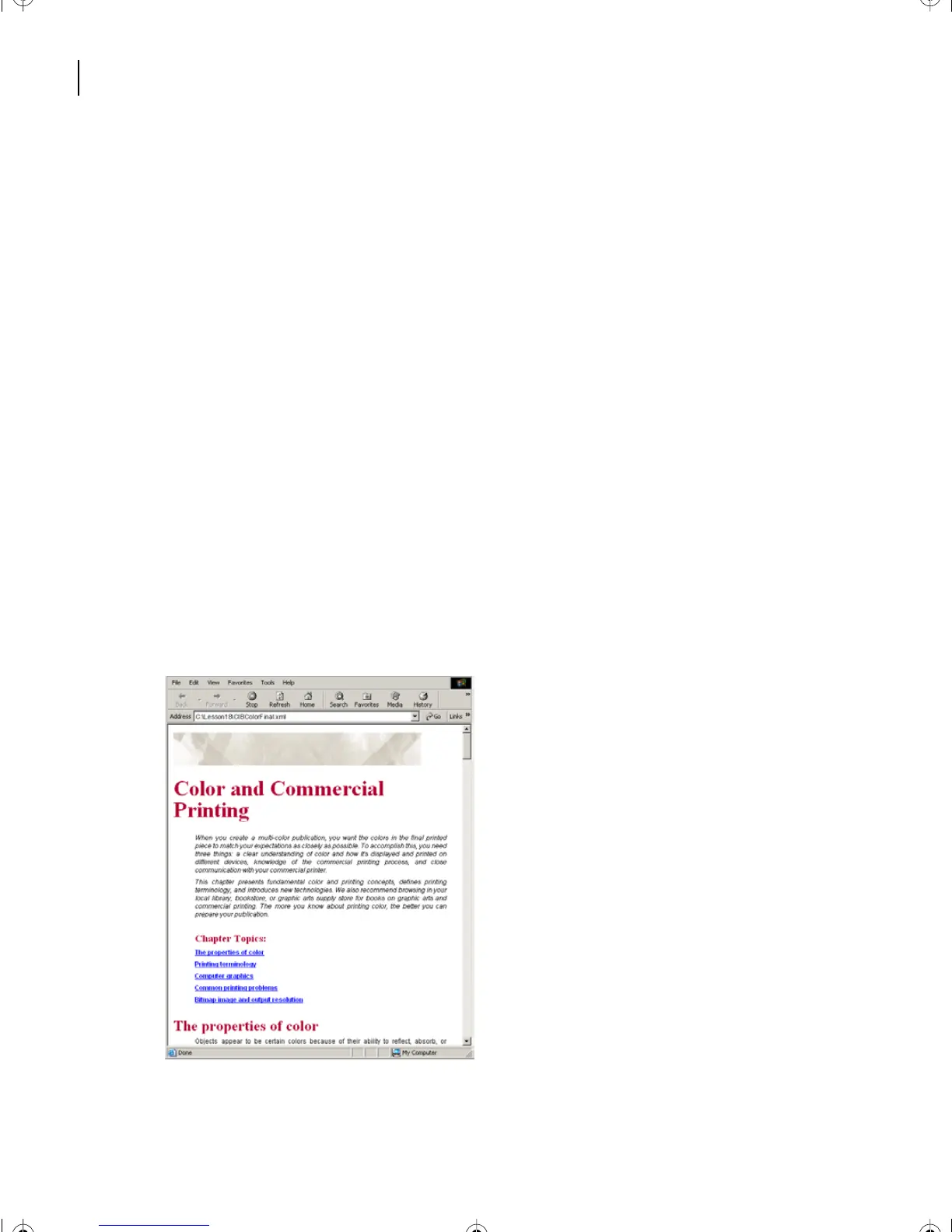
From the L18XML folder within the Lesson18 folder, open your valid structured
document for viewing by:
•
(Windows) dragging CIBColorFinal.
xml
onto an Internet browser window. With
Microsoft® Internet Explorer® 5.5 or greater you will get immediate and pleasing results.
The pages are transformed into Web-friendly HTML through a process called XSLT.
•
(Mac OS) The Macintosh requires an external XSLT application, written either in Java,
or PERL or other scripting language. For this lesson, a free open source Java application
has been downloaded from The Apache Software Foundation (
www.apache.org
). The
XML file has been converted into HTML as
CIBColorFinal.html
.
Drag
CIBColorFinal.html
onto an Internet browser window. You will get immediate and
pleasing results.
•
(Unix) If you get uneven or unsatisfactory results with the XML file, use the HTML
version of the file included in your Lesson 18 folder,
CIBColorFinal.html
. It has been made
with a free open source Java application, that was downloaded from The Apache Software
Foundation (
www.apache.org
). Drag
CIBColorFinal.xml
(or
.html
) onto an Internet
browser window.
Note
: You can also type the directory path name into the browser’s URL navigation box.
L18.fm Page 460 Sunday, July 7, 2002 11:40 PM



 To Next Page