461
ADOBE FRAMEMAKER 7.0
Classroom in a Book
The computer has used its XSLT coding to translate the XML file with the use of the key
template applications:
Chapter.xsl
(Extensible Stylesheet Language) and
Chapter.css
(Cascading Style Sheets) and
Chapter.dtd
(Document Type Definition) in your lesson
folder.
3
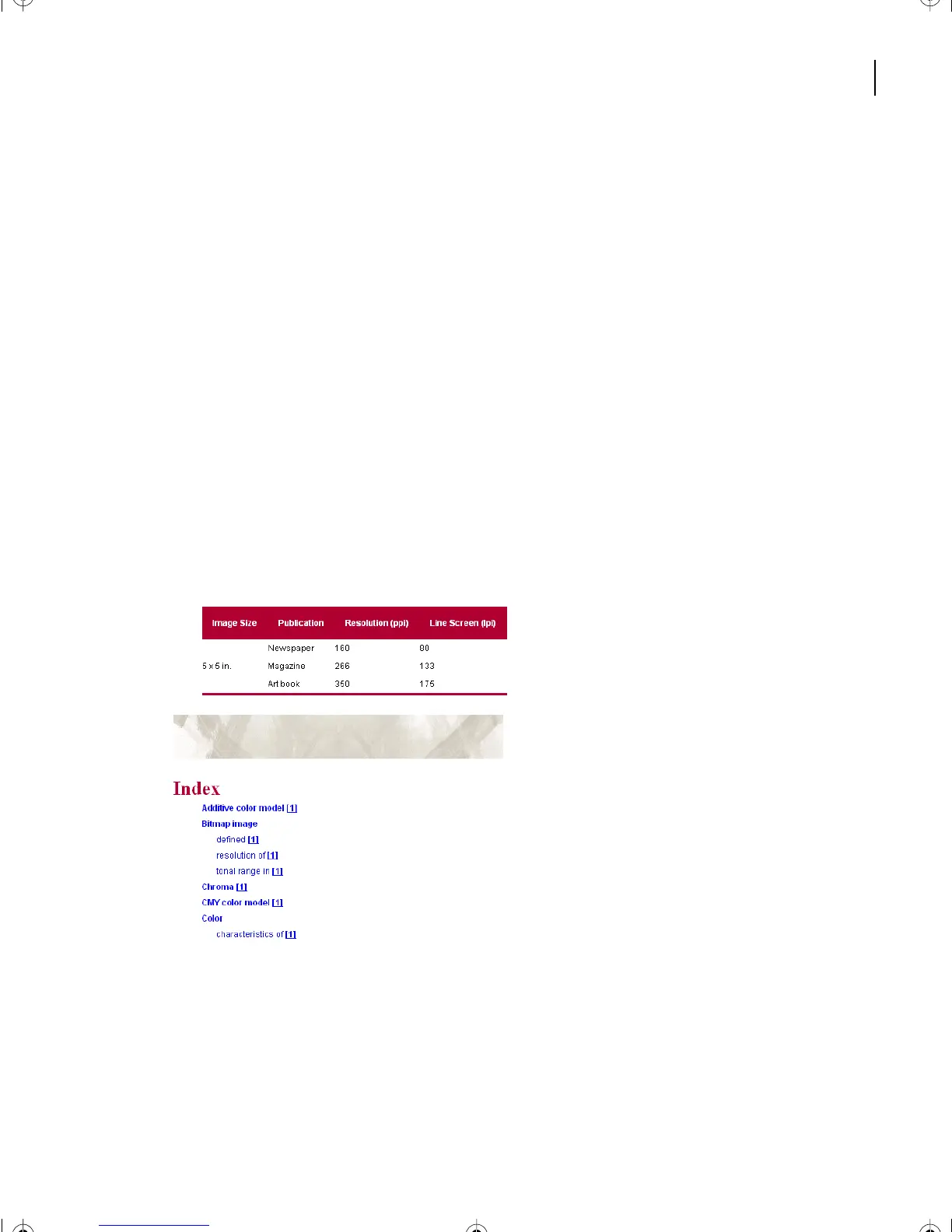
Notice similarities and differences between CIBColorFinal.fm and CIBColorFinal.xml:
•
A linked index has been added to the end of the XML file in your browser. Click the page
numbers to go to an indexed topic.
•
The interactive SVG graphic “Image resolutions at 72 ppi and 300 ppi” has two circles
of magnification that can be moved to display authentic magnified images.
•
The five Chapter Topics formatted in blue are linked and will take you to the appropriate
place in the document; the browser’s Back button returns you to the list of topics.
•
The table looks similar in both the FrameMaker and XML files.
•
The headings in FrameMaker are side-heads, whereas in the XML-into-HTML version
in the browser, the headings extend across all columns over the paragraph text.
Viewing the PDF file in Adobe Acrobat
1
From your Lesson18 folder, double-click CIBColorFinal.pdf.
L18.fm Page 461 Sunday, July 7, 2002 11:40 PM



 To Next Page