LESSON 18
462
Exporting and Importing Structured Files
2
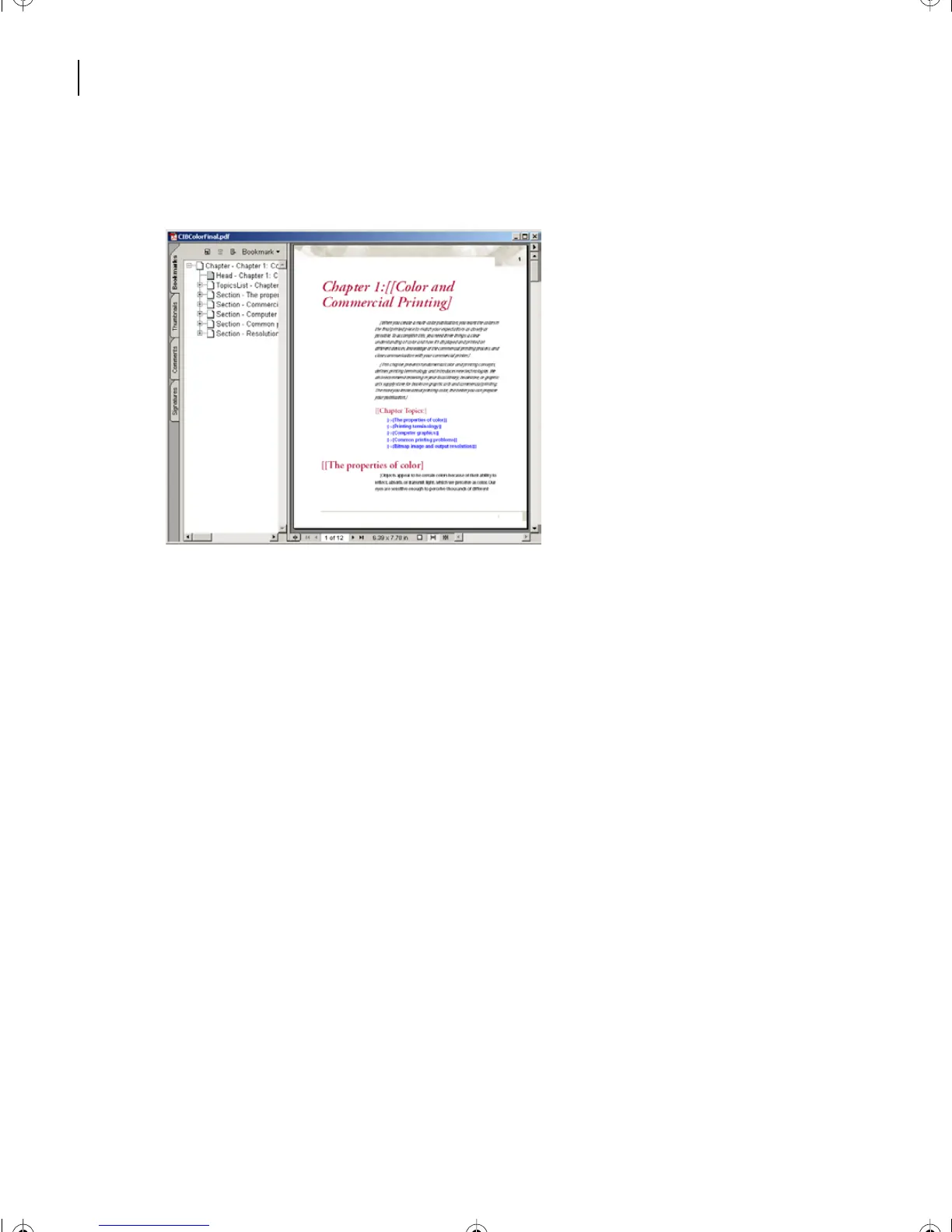
Explore the bookmarks by expanding and collapsing. Click on bookmarks to observe
different sections of the PDF. Notice that in the PDF, the SVG graphics are not interactive.
The XML Round trip
When all the support template applications are working in a coordinated manner, the
results are encouraging. Now you’ll get to see the structured file you created earlier in this
lesson, which you reviewed in a browser and as a separate file in Adobe Acrobat. Here the
translation is done with the Read/Write Rules and the formatting operations dictated by
the EDD (Element Definition Document).
1
In order to complete a round trip, restore Structured FrameMaker 7.0 as your active
program again.
2
Make Structapps.fm the active document.
3
Choose File > Structure Tools > Read Application Definitions.
4
In the FrameMaker box, click OK.
5
Choose File > Set Structured Applications
6
From the pop-up menu choose TechPubs and click Set.
7
Choose File > Open CIBColorFinal.xml.
8
Choose TechPubs to set the structured application.
You will see that the .xml file has been converted to an .fm file.
L18.fm Page 462 Sunday, July 7, 2002 11:40 PM



 To Next Page