LESSON 2
58
Defining Paragraph Formats
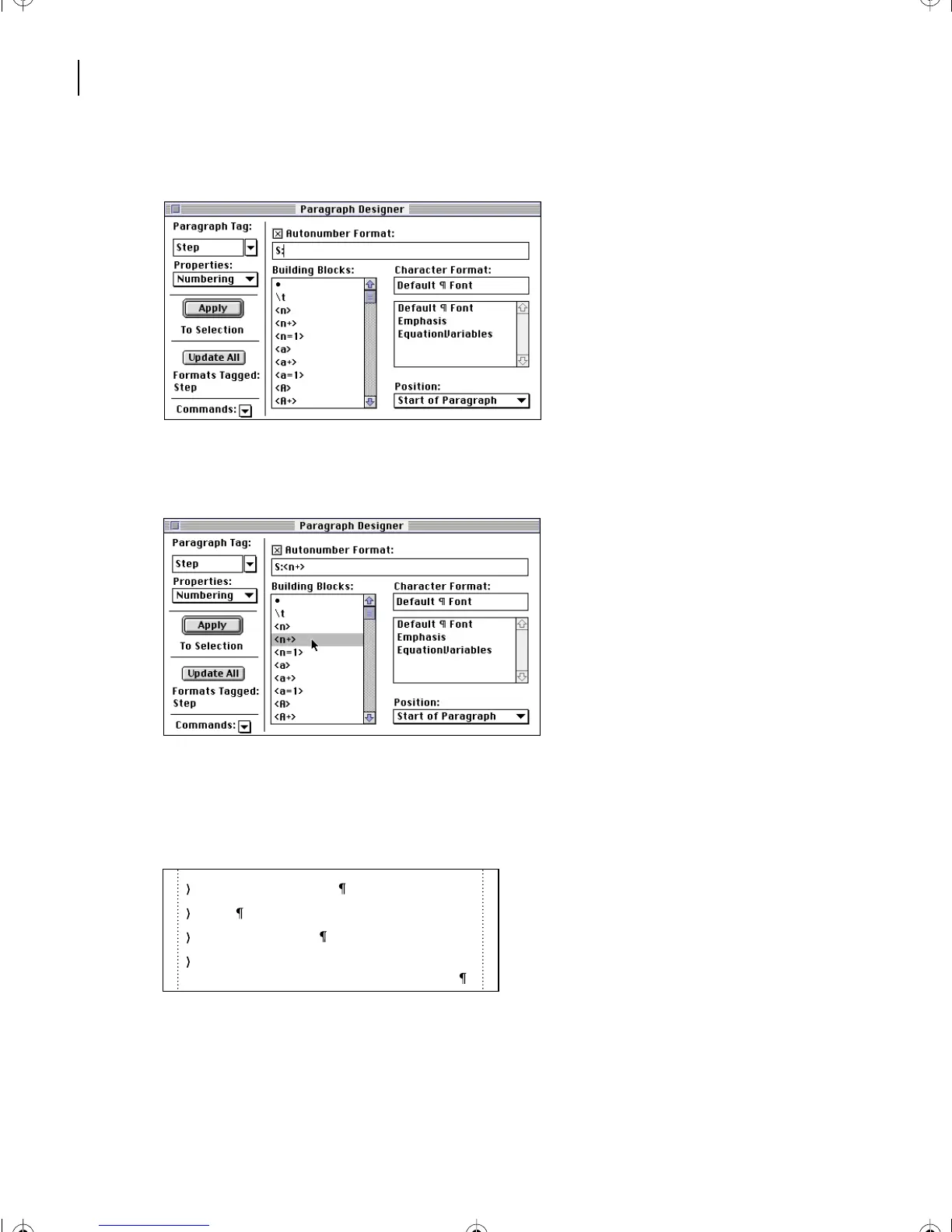
6 Delete everything after the colon in the Autonumber Format text box.
7 Select <n+> in the Building Blocks scroll list. This building block will increment by 1
the number of the previous paragraph in the series.
8 Select \t in the Building Blocks scroll list to add a tab character, and then click
Update All.
9 Click anywhere in the document to deselect the text.
10 To see how the document looks without the text symbols, choose View > Text
Symbols.
prepared to be reproduced with ink on paper.
1 Planning and organizing
2 Design
3 Content development
4 Prepress tasks where your electronic files are
L02.fm Page 58 Saturday, July 6, 2002 11:23 AM



 To Next Page