71
ADOBE FRAMEMAKER 7.0
Classroom in a Book
5
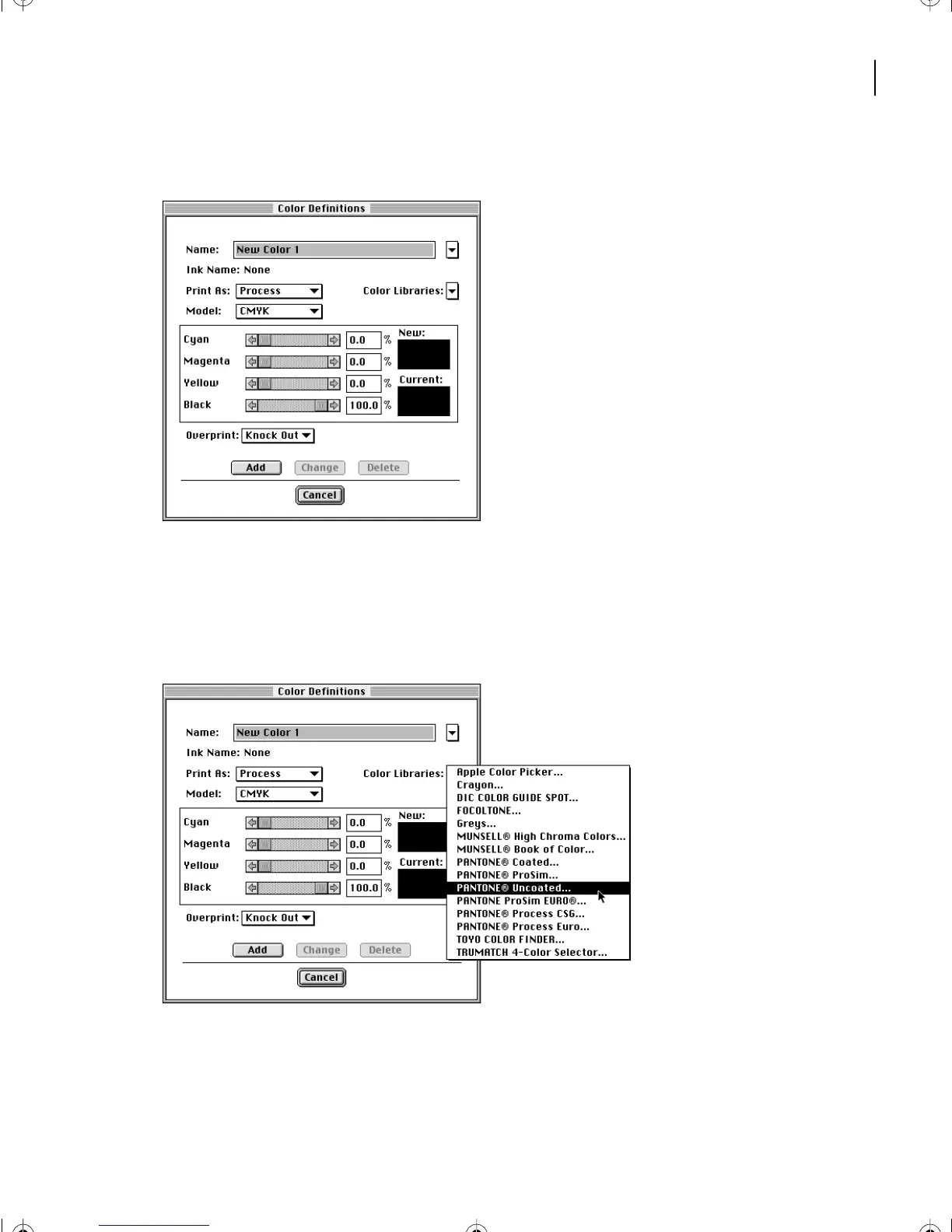
Choose View > Color > Definitions.
You can define a color by specifying exact color values. In this case, however, you’ll use a
predefined color from one of the color libraries that come with FrameMaker 7.0. These
libraries contain colors that can be matched precisely by commercial printers.
6
Choose PANTONE
®
Uncoated from the Color Libraries pop-up menu.
L03.fm Page 71 Saturday, July 6, 2002 11:39 AM



 To Next Page