73
ADOBE FRAMEMAKER 7.0
Classroom in a Book
Note:
Naming a color to indicate its use can help you remember when to use it. However, if
the document will be printed by a commercial printer, you should change the color name back
to the original (ink) name before creating a PostScript
®
file or sending the file to the printer.
9
Enter
FirstUseColor
in the Name text box and click Add.
For the chapter title and headings, you’ll use a lighter shade of the color you just defined.
You can do this by creating a
tint
of the color. A tint is always displayed and printed in the
same manner and on the same plate as its base color.
Note:
Using tints prevents oversaturation during printing and allows a wide range of colors
without increasing the number of inks required for printing.
10
Enter
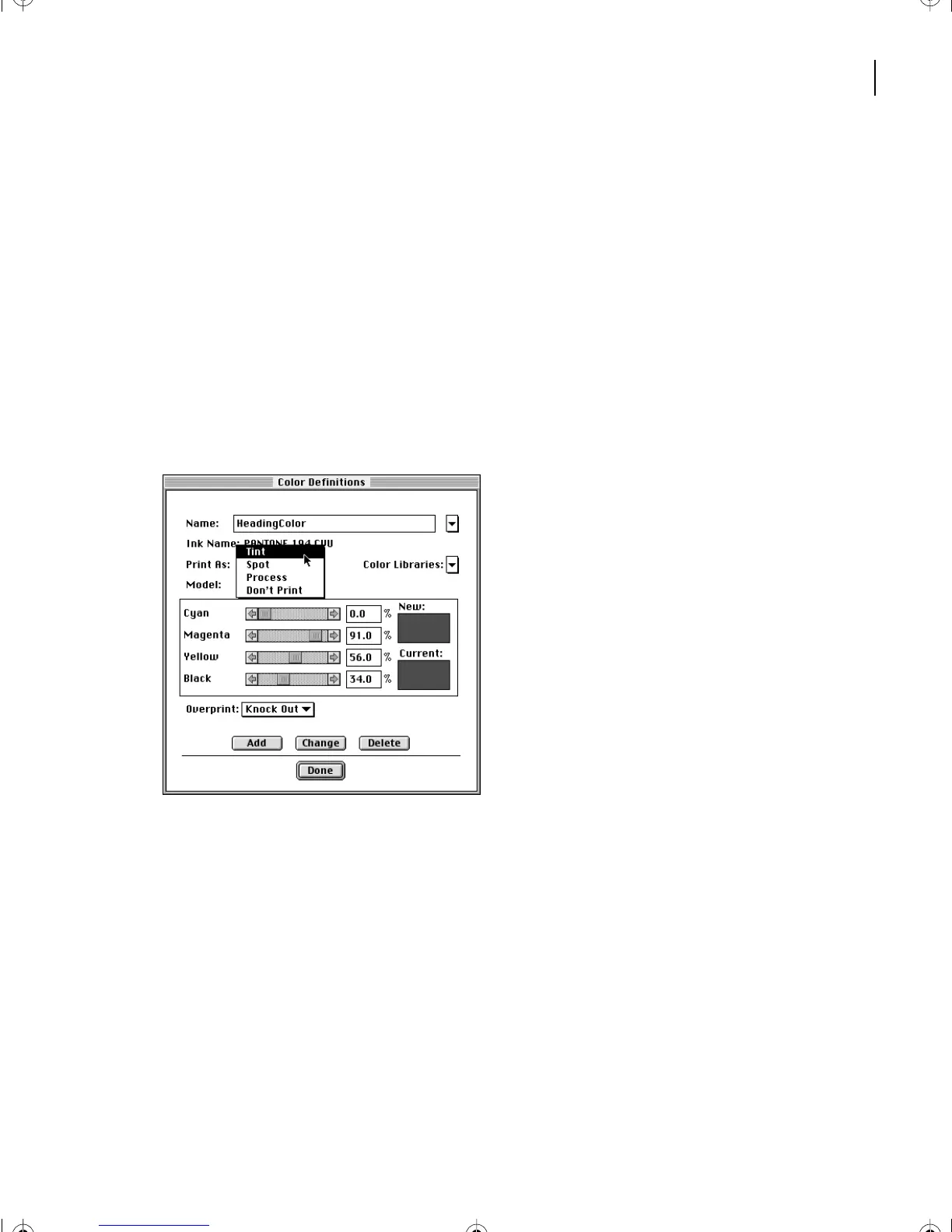
HeadingColor
in the Name text box. Choose Tint from the Print As pop-up menu.
The contents of the dialog box change so you can specify the base color for the tint.
L03.fm Page 73 Saturday, July 6, 2002 11:39 AM



 To Next Page