107
ADOBE FRAMEMAKER 7.0
Classroom in a Book
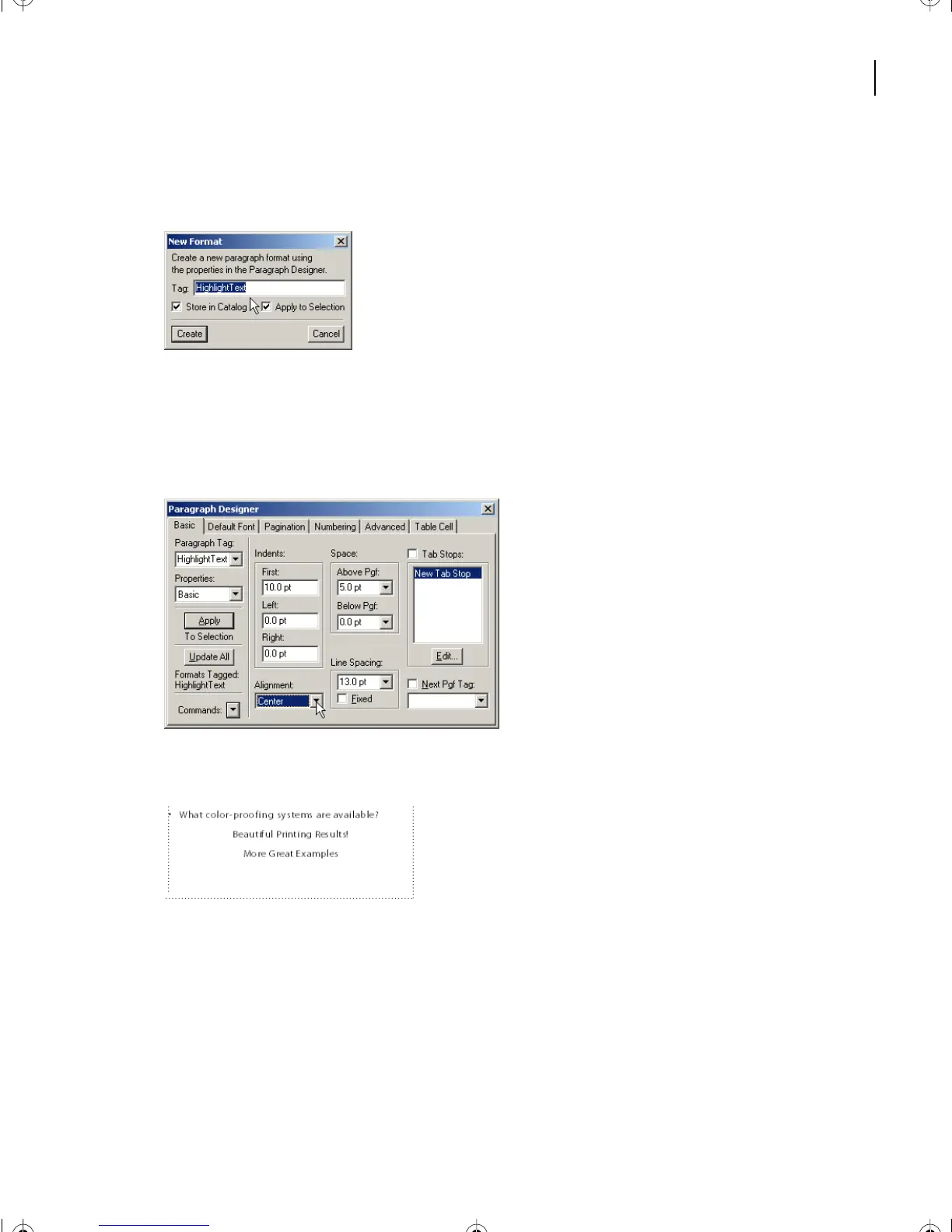
5 Name the new format HighlightText. Be sure both check boxes are selected and press
Create.
6 In the Paragraph Designer, press Update All.
The two new lines of text are tagged with the paragraph format HighlightText.
7 In the Paragraph Designer Properties > Basic, make the Alignment Center.
8 In the Paragraph Designer, press Update All.
9 In the Paragraph Designer, choose Properties > Default Font.
10 In the Family pop-up menu, select:
• (Windows) AGaramond-SemiboldItalic, Weight Regular.
• (Mac OS and UNIX) Adobe Garamond, Weight Semibold, Angle Italic.
L04.fm Page 107 Saturday, July 6, 2002 11:34 AM



 To Next Page