LESSON 4
108
Page Layout
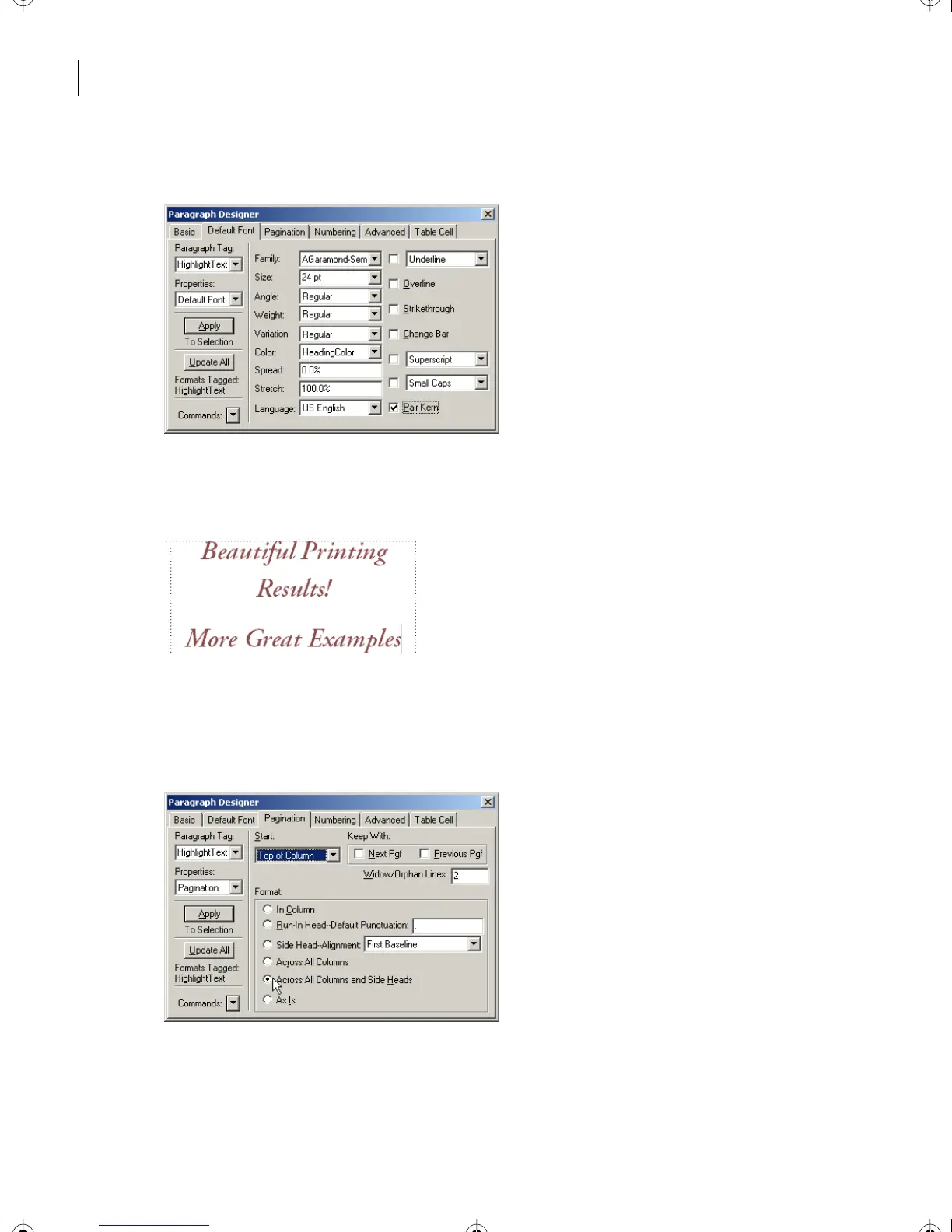
11 Make the Size 24 pt. Select HeadingColor for Color. Type 0.0% for Spread.
12 In the Paragraph Designer, press Update All. If there is not room for the paragraphs
on one page, a new page may be created for one or both of them.
13 In the Paragraph Designer, choose Properties > Pagination.
14 Under Start, select Top of Column. In Format, click Across All Columns and
Side Heads.
15 In the Paragraph Designer, press Update All.
L04.fm Page 108 Saturday, July 6, 2002 11:34 AM



 To Next Page