8
USING ADOBE MEDIA SERVER ON AMAZON WEB SERVICES
Getting started
Last updated 9/20/2013
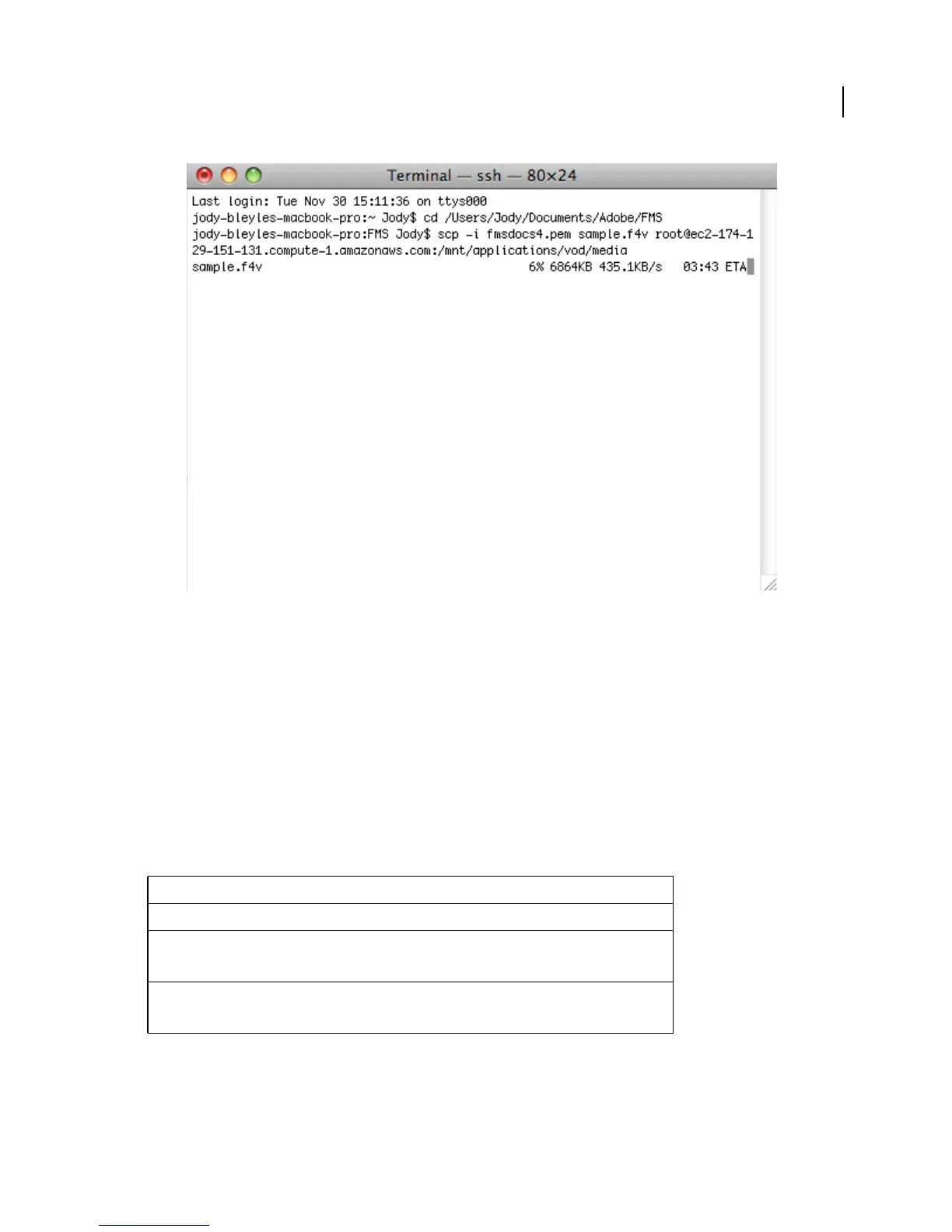
Copying a file from a local computer to an instance
Note: Adobe Media Server and Apache HTTP Server run as amsuser:amsgroup. You may need to modify the
uploaded content to allow access to it.
4 Go to the Flash Media Playback Setup page at http://www.osmf.org/configurator/fmp/ and do the following:
a For Video Source, enter:
rtmp://public-dns/vod/filename
For example, if the filename of the video is sample.mp4, and the Public DNS of the instance is ec2-184-72-148-
15.compute-1.amazonaws.com, the Video Source is:
rtmp://ec2-184-72-148-15.compute-1.amazonaws.com/vod/mp4:sample.mp4
The following table shows how to create a URL based on the file format of the media.
Note: For F4V/MPEG-4 files, always use the prefix mp4:, but use the file extension of the file (.f4v, .mp4, and so on).
b Click Preview to update the Embed Code.
c Click the Play button to play the video from your Adobe Media Server on Amazon Web Services instance.
File format URL
FLV rtmp://public-dns/vod/filename
F4V rtmp://public-dns/vod/mp4:filename.f4v
rtmp://public-dns/vod/mp4:subdirectory/filename.f4v
MP4 rtmp://public-dns/vod/mp4:filename.mp4
rtmp://public-dns/vod/mp4:subdirectory/filename.mp4



 To Next Page