17
USING ADOBE MEDIA SERVER ON AMAZON WEB SERVICES
Getting started
Last updated 9/20/2013
b Connect to the instance. Follow the steps in “Connect to an instance and copy files from a Windows computer”
on page 31 or “Connect to an instance and copy files from a Linux/UNIX computer” on page 34.
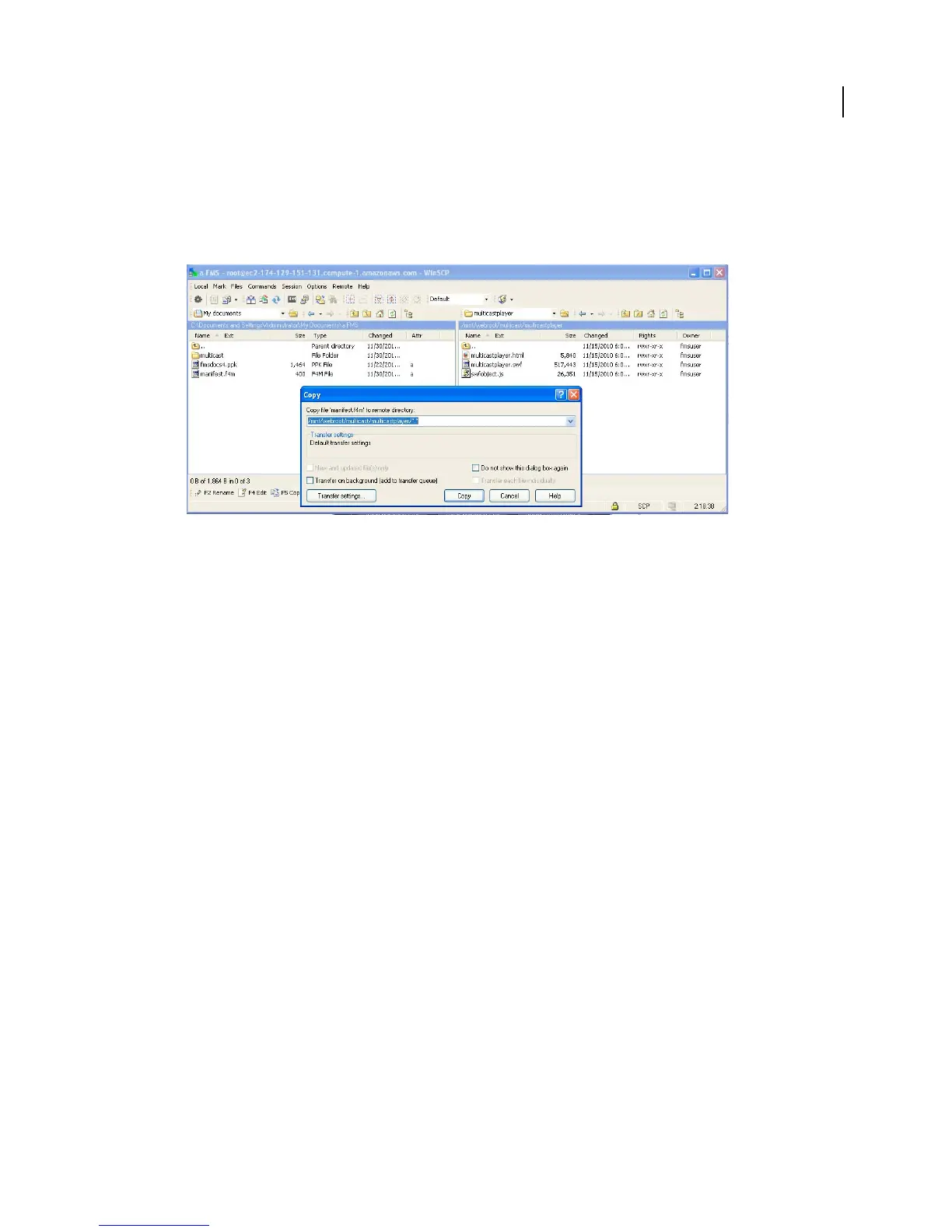
c Copy the manifest.f4m file from your local computer to the following location:
/mnt/webroot/multicast/multicastplayer/
Using WinSCP to copy the manifest.f4m file to the instance
Publish a stream from Flash Media Live Encoder
1 Launch Flash Media Live Encoder 3.1 or later and do the following:
2 From the Preset menu, select a single stream preset. The multicast solution does not support multi-bitrate (also
called “adaptive” and “dynamic”) streaming.
3 For AMS URL, enter the URL of the multicast service:
rtmp://public-dns/multicast
Note: Flash Media Live Encoder connects to Adobe Media Server over the RTMP protocol, not over the RTMFP
protocol.
4 Return to the Multicast Configurator and click Copy next to the Publisher Stream Name.
5 In Flash Media Live Encoder, paste the Publisher Stream Name into the Stream text box.
6 Click Start to connect to the multicast service and start streaming.



 To Next Page