24 25
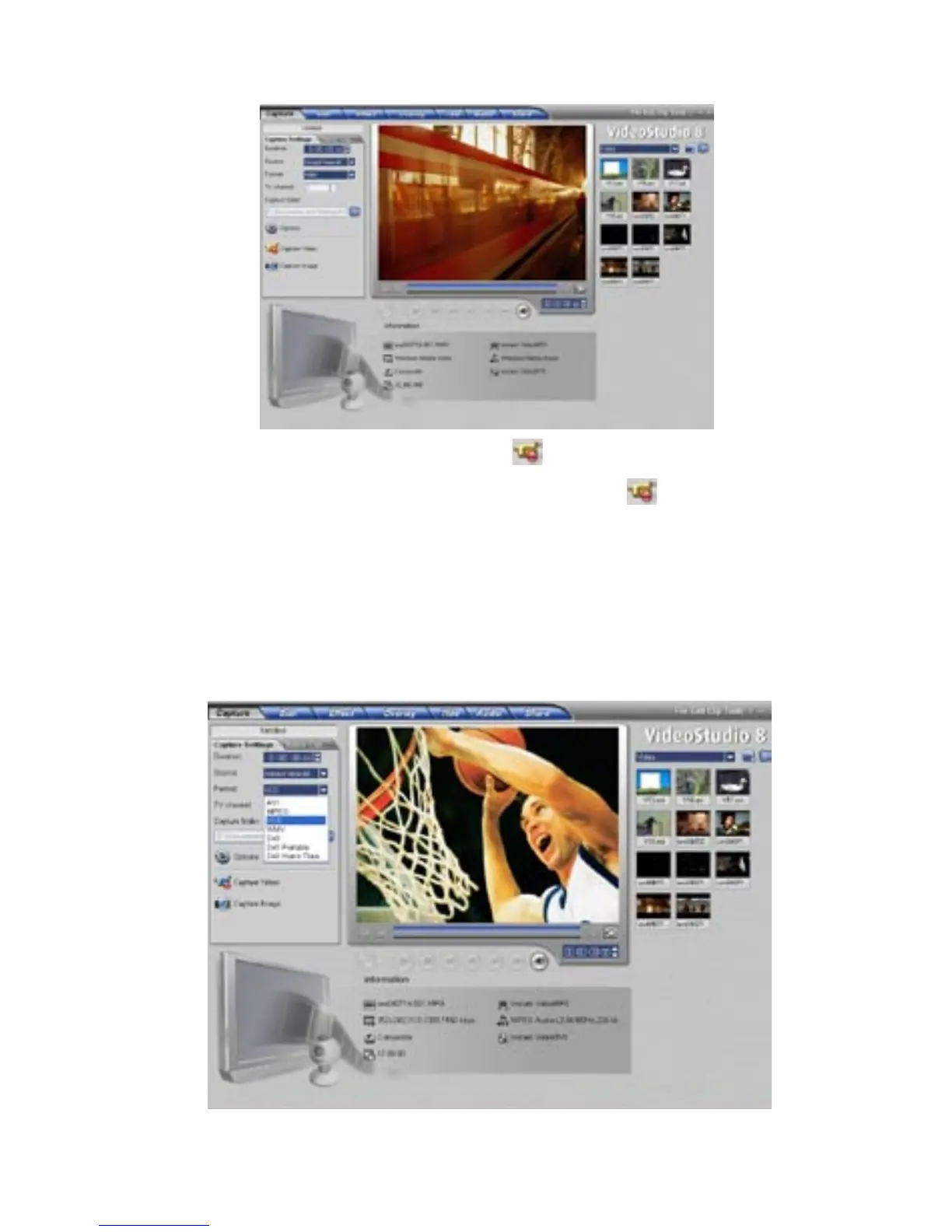
Step 2. Start Capturing your Video in WMV Format:
2) When finished, click on the “Stop Capture” button or simply hit
the ESC key.
1) Click on the “Capture Video” button to start capturing.
3) Now your ready to burn your CD*.
*Use the CD burning software that came with your PC or CD burner to
write Windows Media Video files to a CD.
Capturing in VCD (MPEG-1) Format:
1) Click on the “Format” pull down menu and select “VCD”.



 To Next Page