26 27
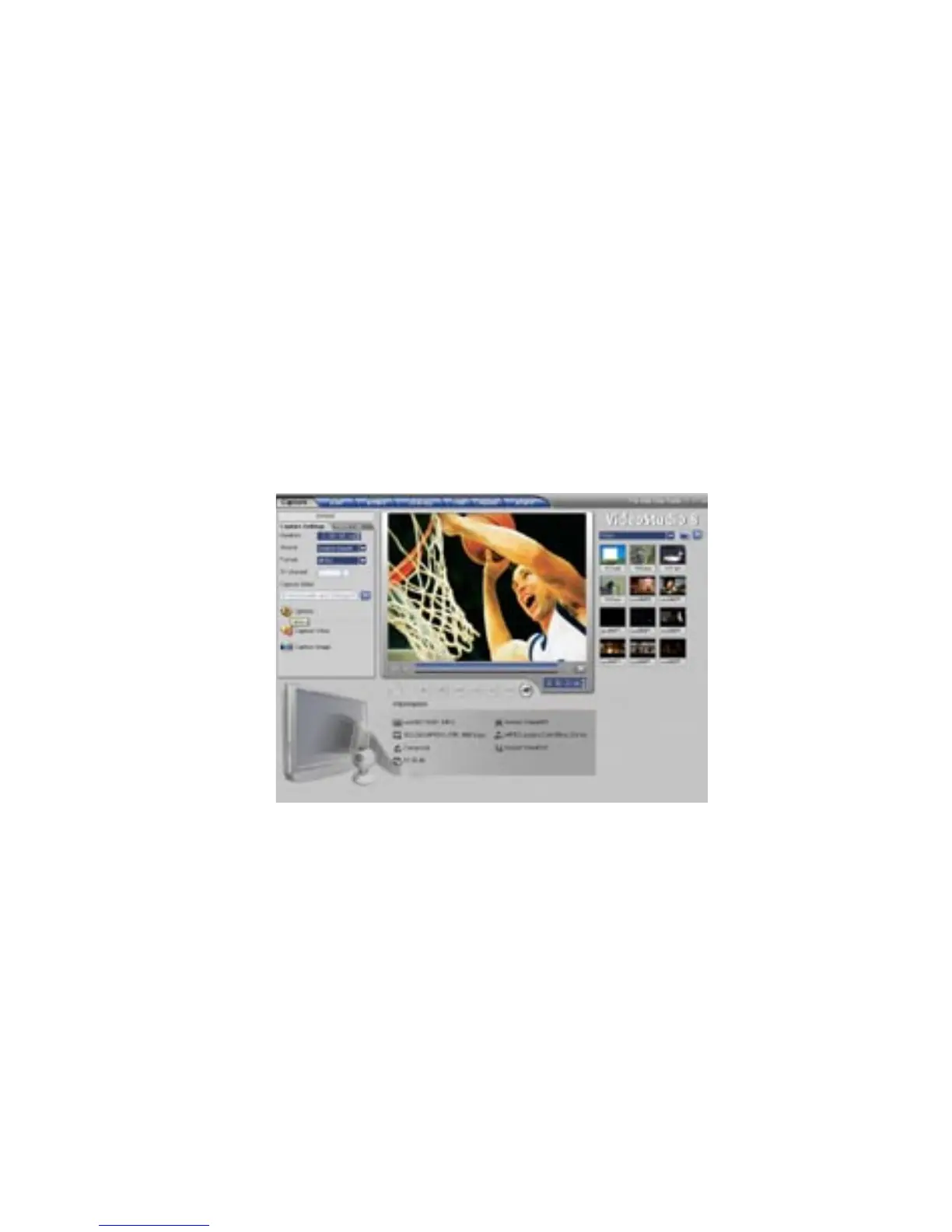
Step 1. Selecting Capture Properties:
1) Click on the “Options” button and select “Video and Audio Capture
Property Settings…”
Planning your VCD Project:
VCD is a format that was specifically created to put video on a CD-R
disc. The video is always in the MPEG-1 format with a set video bit rate
of 1.15 Mb/sec.
You can capture approximately 70 minutes of audio and video to fill a
700 MB CD-R.
Capturing video in the VCD format with Video Studio 8 will allow you to
easily “Share” the captured and or edited movie to a CD. Once you have
captured your video in the VCD format you can jump to the Share Step,
Click the “Create Disc” button and follow the VCD authoring wizard to
create background menus and burn your VCD movie to CD.


 To Next Page