26 27
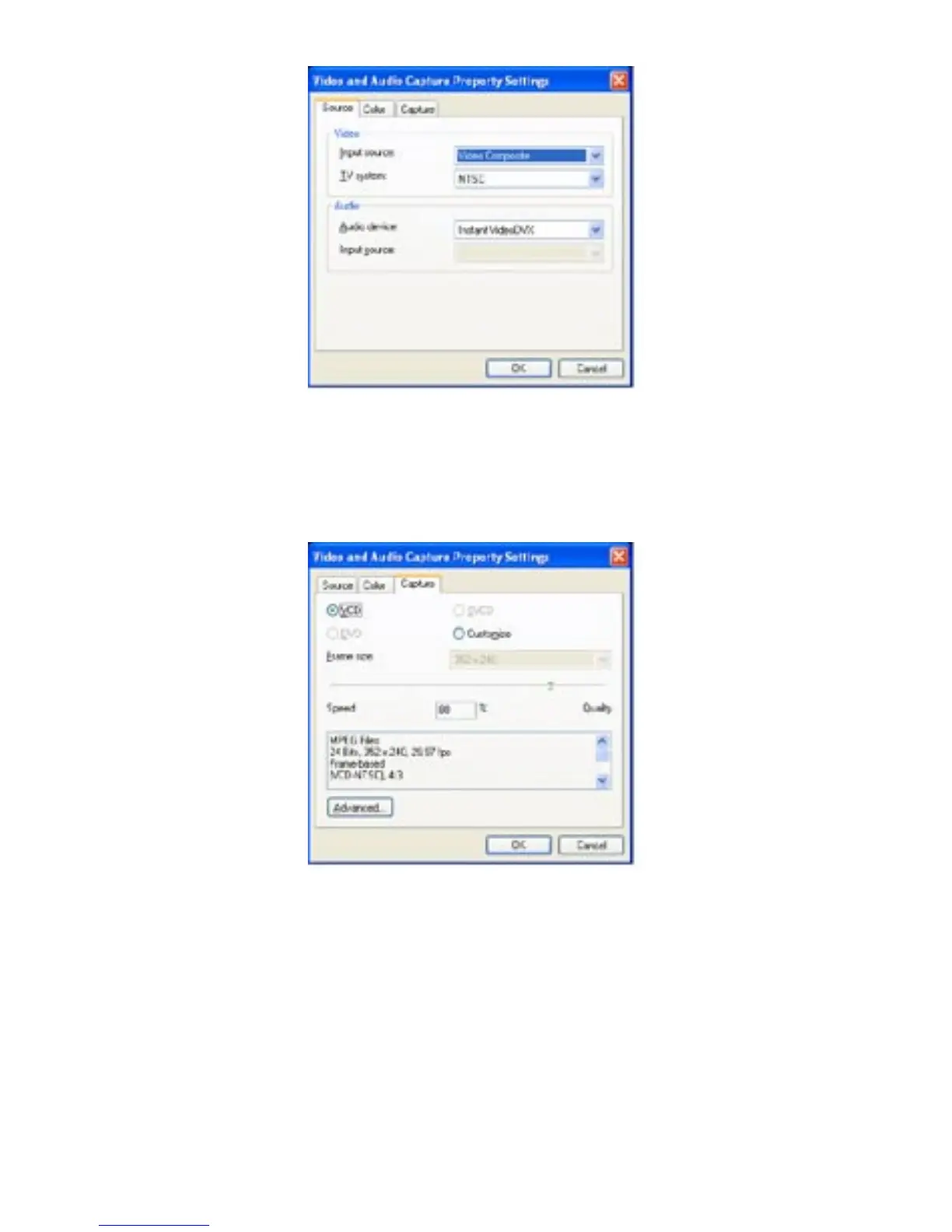
2) Verify that the “Input Source:” is correct if you are connecting your
analog source with RCA cables then please select Video Composite
and if connected with S-Video then Video S-video.
3) Under the “Capture” tab, the VCD setting is selected by
default (recommended), but you can also customize the frame size by
clicking on the “Customize” setting.



 To Next Page