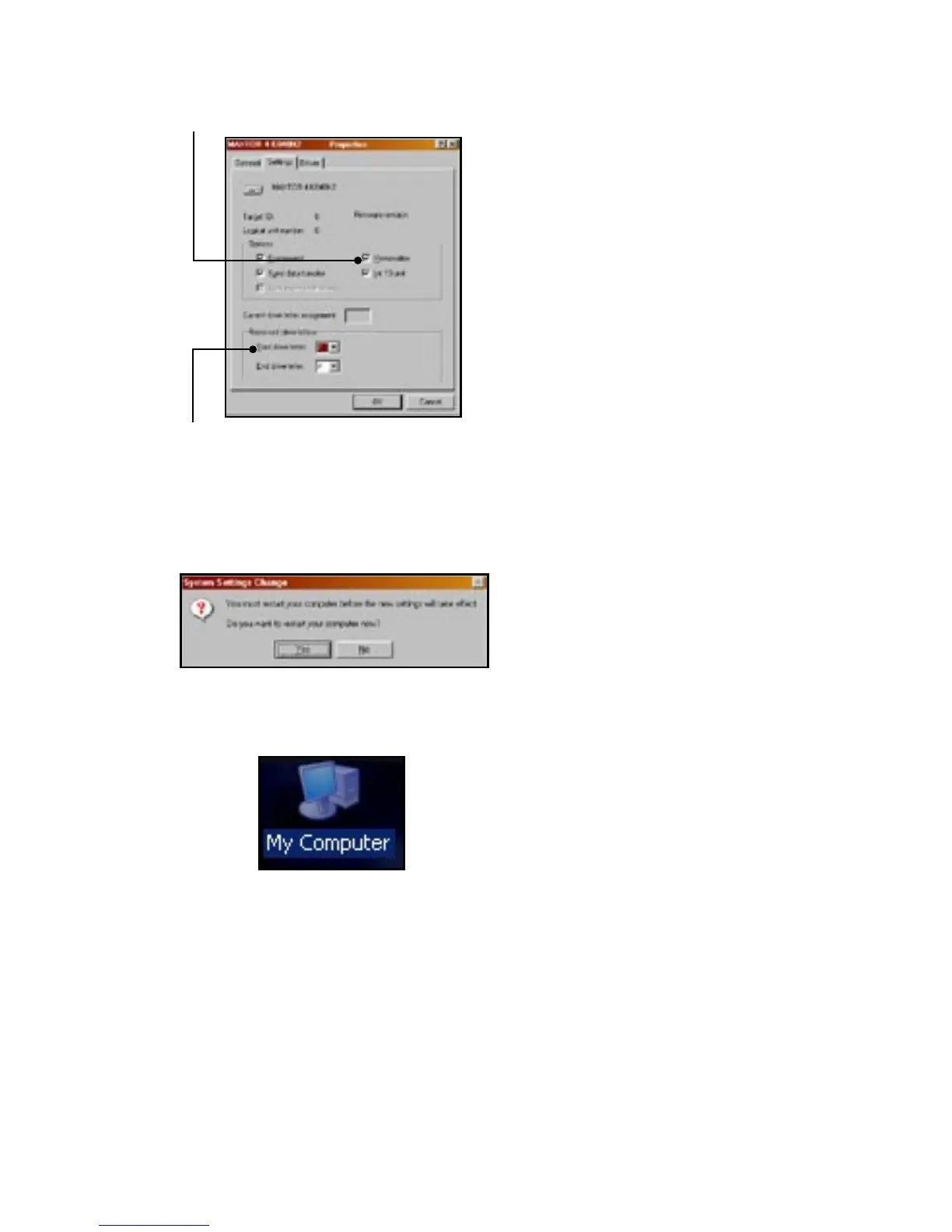
• Check the REMOVABLE box
• Assign a DRIVE LETTER. Make sure you assign a drive letter that is not in use. The START and ENDING
DRIVE LETTERS should be the same letter also. If the drive letter M was selected for example as the starting
drive letter, letter M should also be the ending drive letter.
• Click “OK” then restart the computer
• After restarting, double click on “MY COMPUTER” , this will show the drive letter that was just assigned to
the USB 2.0 Drive kit. If this is a new drive, you can double click the drive to format the drive.


 To Next Page