Revision date: 05.10.2023
1
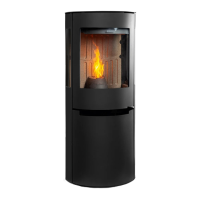
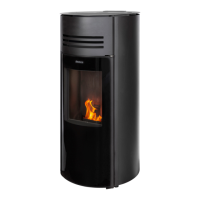
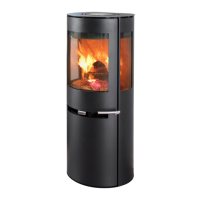
Troubleshooting and replacing the control board on the Aduro P5
series
Difficulty level: Difficult
Time consumption: 45 minutes
Tools: TORX 20 screwdriver, small 5 mm flathead screwdriver
Components: Control board (aduroshop.com)
NB: All changes and adjustments must be conducted when the stove is cold and disconnected from the
power supply.
Troubleshooting
The control board controls all the inputs and outputs of the stove. If something is wrong with the control
board, it will affect the other parts of the stove. Therefore, it is important to be able to troubleshoot the
problem source.
If the stove doesn’t turn on it is important to check all the connections between the electric wall socket and
the control board.
1. Check that the IEC plug in the stove is clean and free from dust and other dirt. Also check that none
of the pins in the IEC plug is bent:
2. Check the power cable is not damaged.
3. Make sure a ground connection is available in the wall socket, and that the right cable with a ground
connection is connected to the wall socket.
4. Remove the stove’s back plate by unscrewing the four screws and check that the IEC plug is intact
and that all three cables are connected:
Note: Before continuing, unplug the power cable.


 To Next Page