
 To Next Page
J
John GoodmanJul 30, 2025
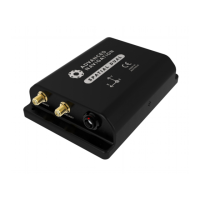
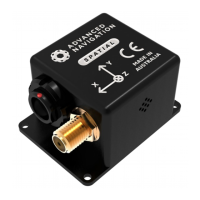
How to fix Advanced Navigation Spatial running at high update rate under Windows?
- LLindsay NguyenJul 30, 2025
To potentially resolve issues when running Advanced Navigation GPS at a high update rate under Windows, change the latency timer to 1 millisecond. You can do this by navigating to control panel, then system, then device manager, then ports. Right-click on the USB Serial Port, select properties, then port settings, and finally advanced.
 General