7
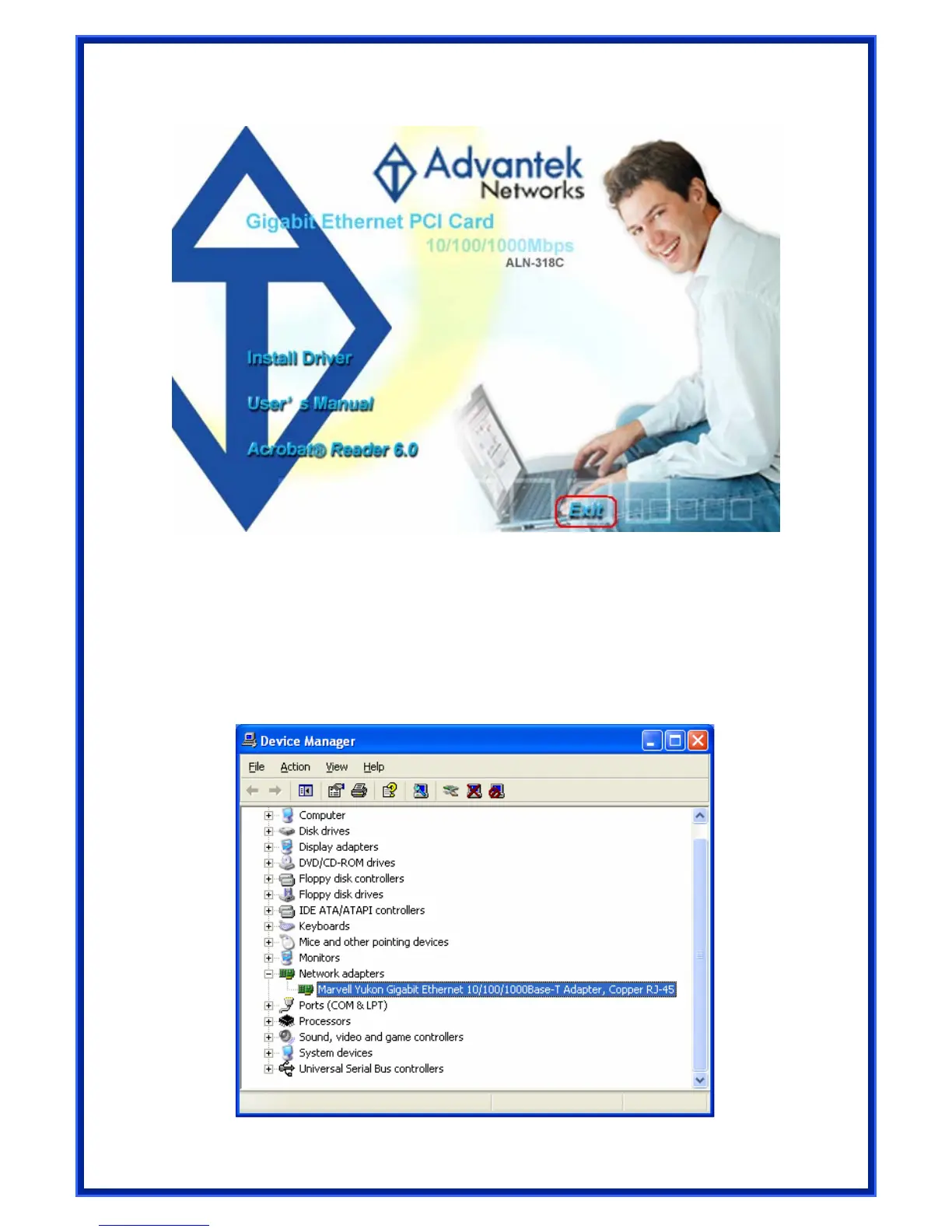
3) Click Exit to close Gigabit PCI Adapter Installation Utility.
4) To check if Gigabit PCI Adapter is properly installed:
For Windows XP
(a) Right-click “My Computer” on the Desktop
(b) Choose “Properties”
(c) Choose “Hardware” tab
(d) Click “Device Manager…”
Figure 1 - Marvell Gigabit PCI Adapter



 To Next Page
 Loading...