2 PC Configuration
User needs to configure TCP/IP network settings, Internet access configuration and
Wireless configuration for each system within Wireless Router’s LAN network.
By default, Wireless Router acts as a DHCP server for server version of Windows, it
automatically assigns IP address to each system when systems boot up. For all
non-server versions of Windows, the default TCP/IP setting acts as a DHCP client. If user
chooses fixed IP addresses for client systems, the Gateway of the client system must be set
to the IP address of the Wireless Router and DNS of the client system should be set to the
address provided by your ISP.
2.1 TCP/IP Networking Setup
Checking TCP/IP Settings for Windows 9x/Me
a) Select “Start
Control Panel
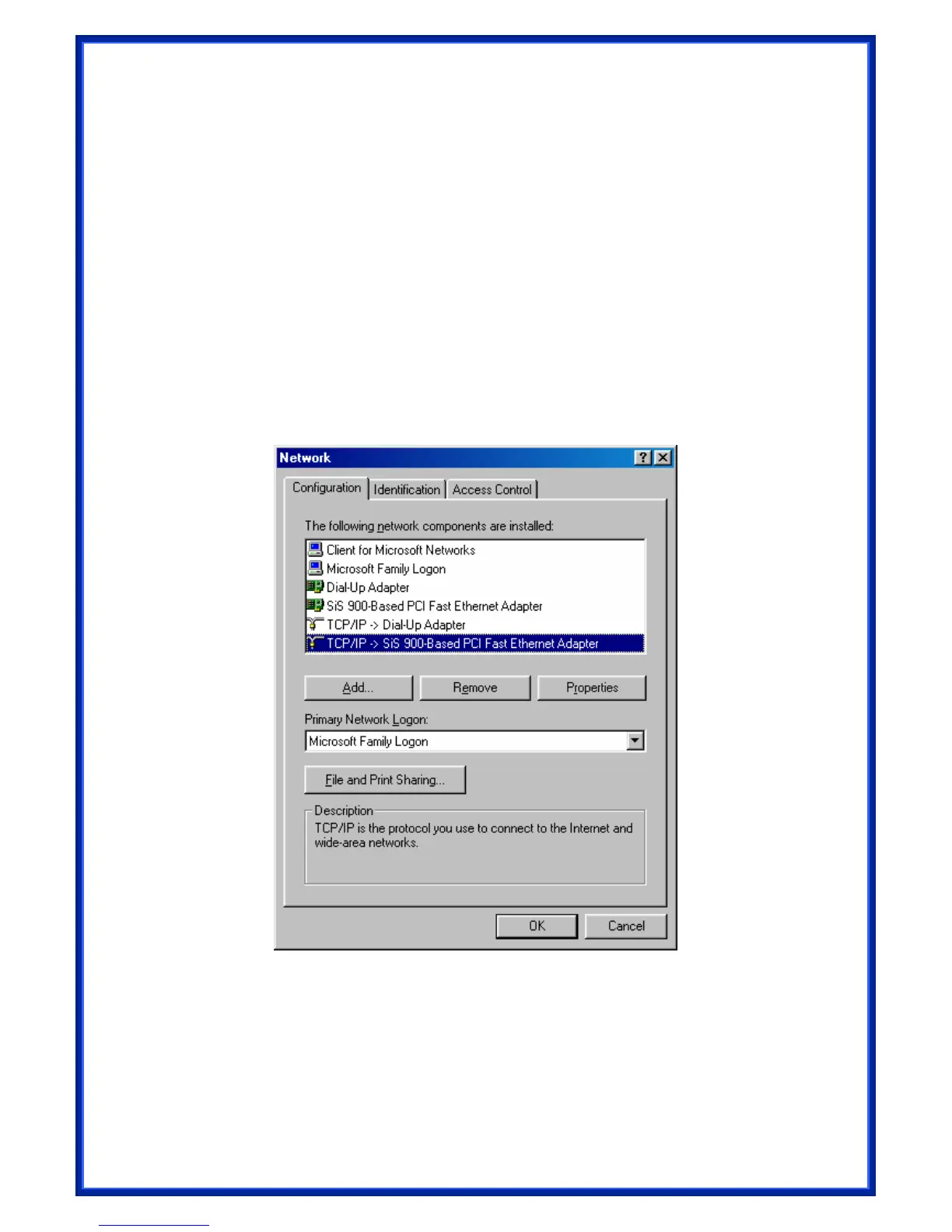
Network”, the window below will appear:


 To Next Page
 Loading...