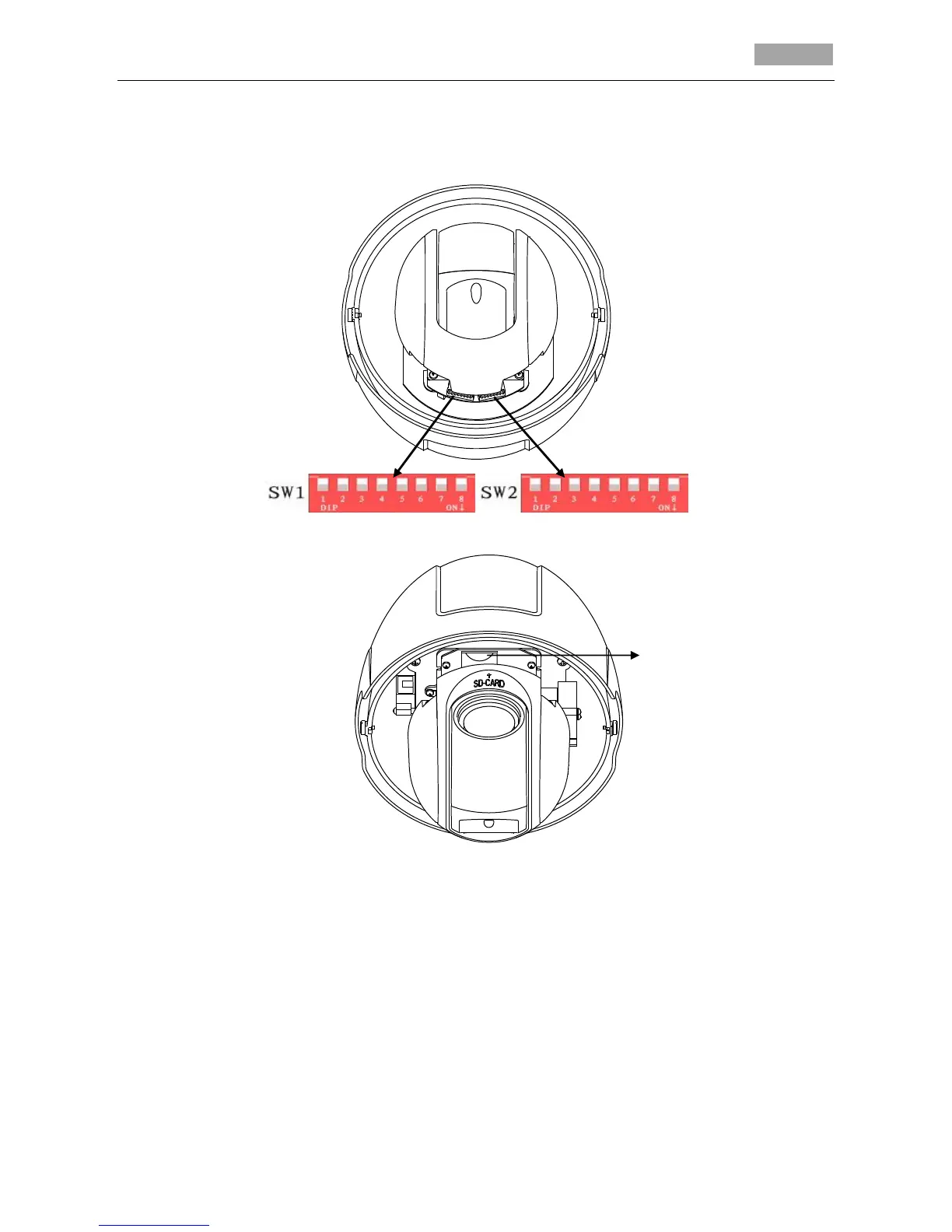
You do not have to set the address, baud rate, protocol and other parameters of network speed
dome through DIP switches.
The SD card slot of network speed dome is shown in Figure 1-5.
Figure 1-4 DIP Switches
Figure 1-5 SD Card Slot for Network Dome
6. Mounting the speed dome to the A-200-WM.
Steps:
(1) Apply thread tape to the thread of the pendant adapter and rotate the pendant adapter to
the mount. Secure the pendant adapter to the mount with a set screw (supplied).
(2) Loosen the lock screws of the adapter, as shown below:



 To Next Page