7
Customising
the Backlight Eect
You may customise the backlight for each keypress.
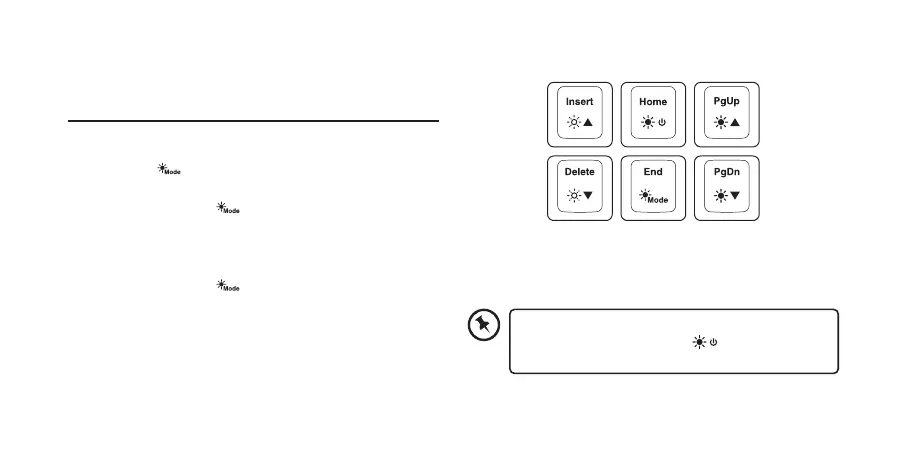
1. Press Fn +
repeatedly to select customise backlight
mode.
2. Press and hold Fn +
to enter backlight setting
mode. LED indicators will start ashing.
3. Press the keypress(s) repeatedly to choose the colour
you wish (8 colours + 1 colourless).
4. Press and hold Fn +
when done.
To reset customised backlight eect to default
setting, press and hold Fn + until all
backlights start lighting in succession.


 To Next Page