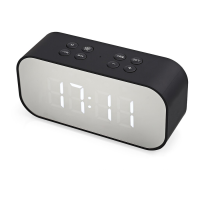
To set the time long-press the button, then the hours via +/- buttons.
When done, press the SET button again and set the minutes the same way.
Long-press the SET button to set the time.
For setting the alarm short-press the button and the Alarm 1 will light up.
Long-press the SET button to enter the alarm setting, set the hours using the +/-
buttons, short-press the SET button, and set the minutes the same way. Long press
the SET button to set the alarm 1. To set the Alarm 2 use the same steps again.
When the alarms are set, short-press the SET button to switch between the 4 clock
modes: / / & / no alarm.


 To Previous Page