11MM1021
To darken the picture
Decrease the contrast
for soft color
To decrease the color
intensity
Increases the
greenish skin tones
To brighten the picture
Increase contrast for
vivid color
To increase the color
intensity
Increases the redish
skin tones
To restore the factory settings, select RESET and press the ENTER button. All
the picture adjustments (BRIGHTNESS, CONTRAST, COLOR and TINT) will go
back to the factory settings.
BRIGHTNESS
CONTRAST
COLOR
TINT
SET PICTURE
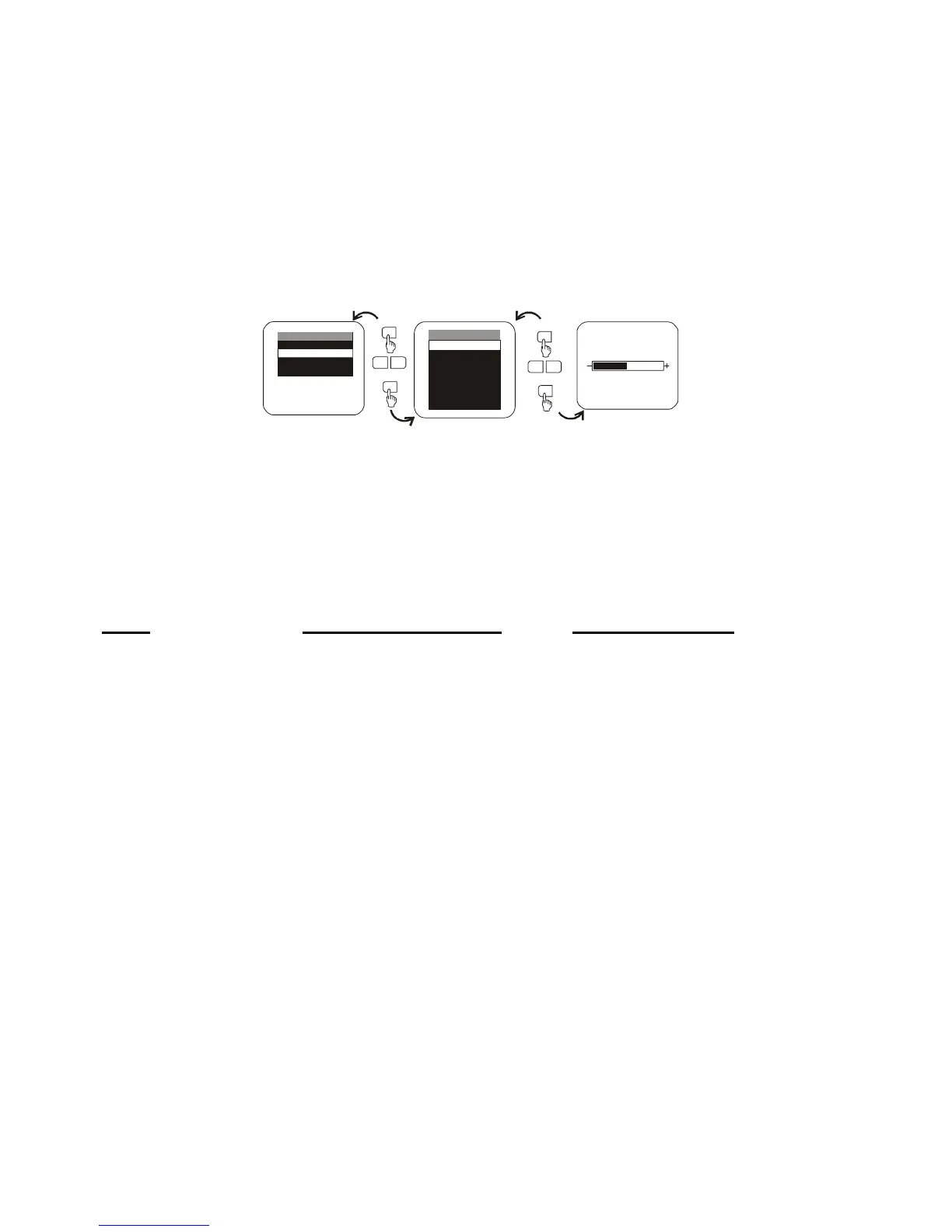
When watching the program, the quality of the picture can be adjusted to suit your preference.
Press the MENU button on the Remote Control or front panel, the main menu will appear.
Press the - or + button to select the item you want to adjust. Press the MENU button again
to select the item. For example: Press the MENU button, highlight SET PICTURE and press
the MENU button. The PICTURE menu will appear, highlight BRIGHTNESS and press the
MENU button. Then press the - or + button to adjust to the desired level.
Description of Adjustment Items:
Item Press DOWN button Press UP button
PICTURE
CONTRAST
BRIGHTNESS
COLOR
MENU
CONTRAST
TINT
RESET
EXIT
MENU
SELECT VIDEO
SET PICTURE
MODE SELECT
EXIT
-
+
MENU
MENU
-
+
MENU



 To Next Page