10 MM1021
SELECT VIDEO
There are 2 inputs to select from. Pressing the source button on the remote control will
change the source selected in the following order: AV1and AUX.
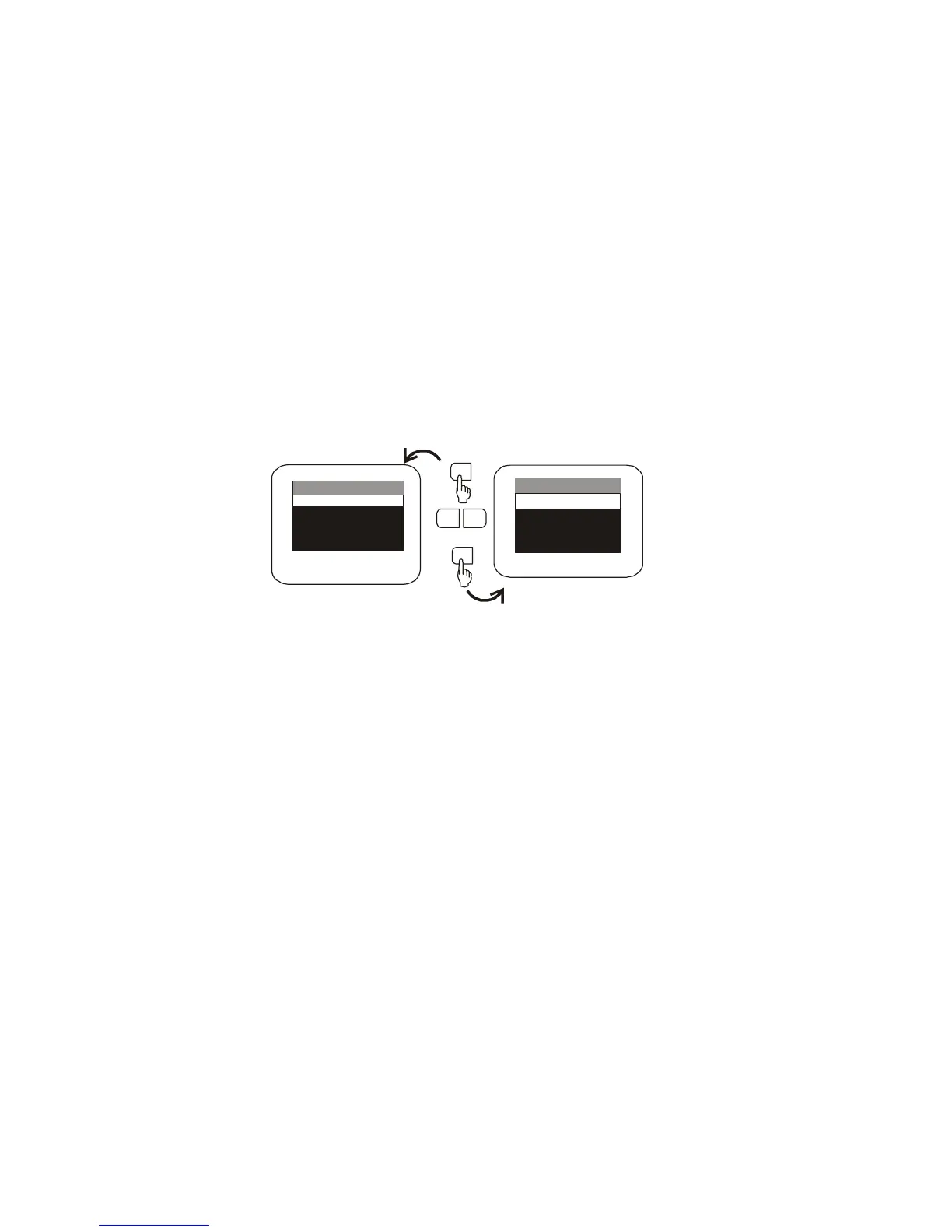
The source can also be changed by pressing the menu button. Use the - or + button to
highlight SELECT VIDEO and press the MENU button to enter the submenu. Then, press
the - or + button to select from AV1or AUX. Press MENU to confirm the setting.
EXIT THE MENU
To exit the main menu, press the MENU button of Remote Control again to Exit, the menu
will disappear.
NOTE: The menu also disappears from the screen automatically if you do not press
any button within a five seconds.
SELECT VIDEO
AV1
AUX
MENU
SET PICTURE
MODE SELECT
EXIT
SELECT VIDEO
EXIT
MENU
-
+
MENU



 To Next Page