6 MM1021
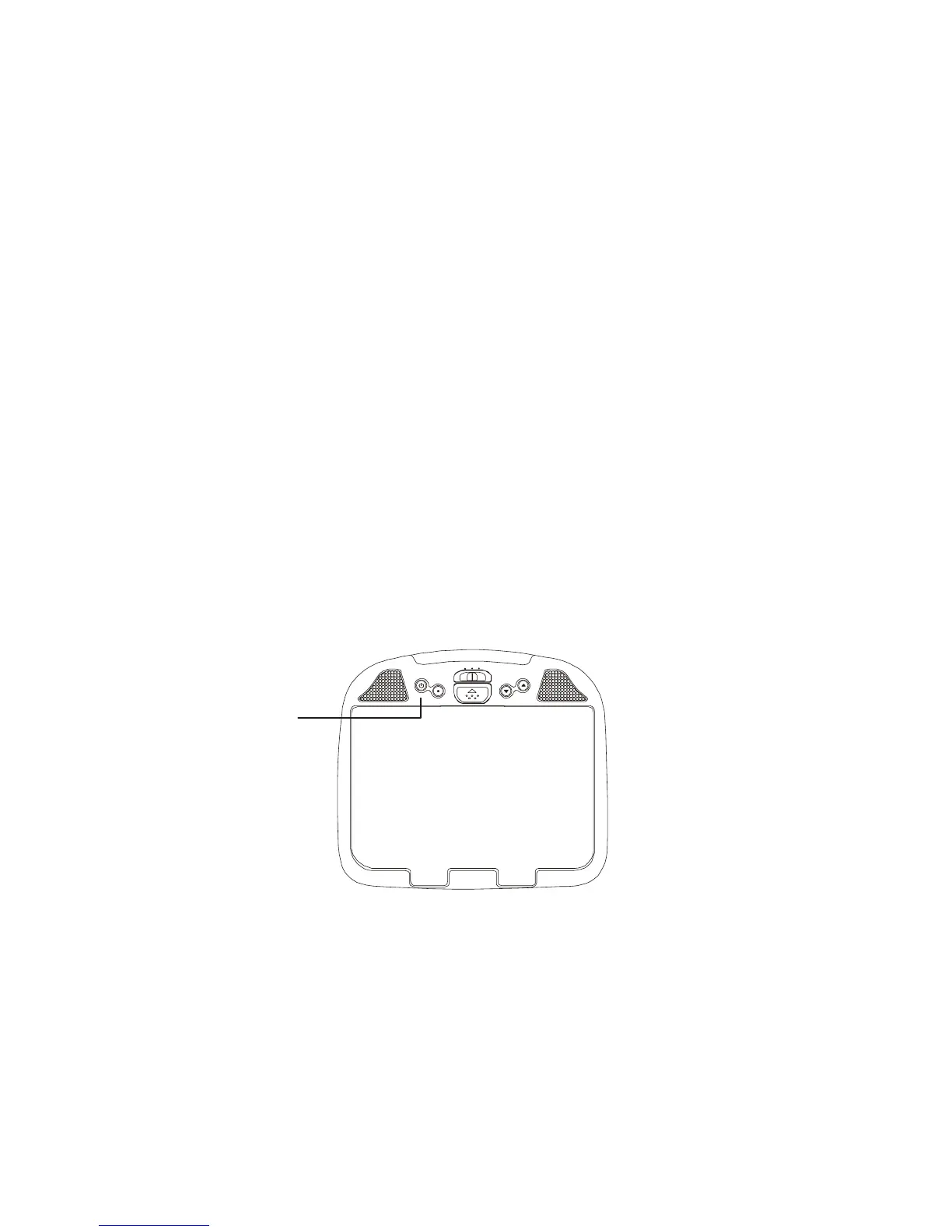
TURNING THE MM1021 ON OR OFF
1. Sliding the screen release lock forward will unlock the LCD screen and drop
down slightly. Move the screen downward and pivot it until a comfortable viewing
angle is reached. The internal friction detent will hold the screen in position
while the system is in use.
2. Press the power button to turn on the MM1021.
3. After the unit is turned ON and begins to display a picture, adjust the viewing
angle by pivoting the screen to optimize the picture quality. (NOTE: The video
source (DVD/VCP/Game will need to be turned on also).
4. Remember to turn the unit OFF and pivot the LCD to the locked position when
not in use.
Power
ON/OFF
Switch
POWER
MENU
ON OFF AUTO
DOWN
UP



 To Next Page