CONDOR™ A22 Quick Start Guide
4 | P a g e
2023 All Rights Reserved V1.1
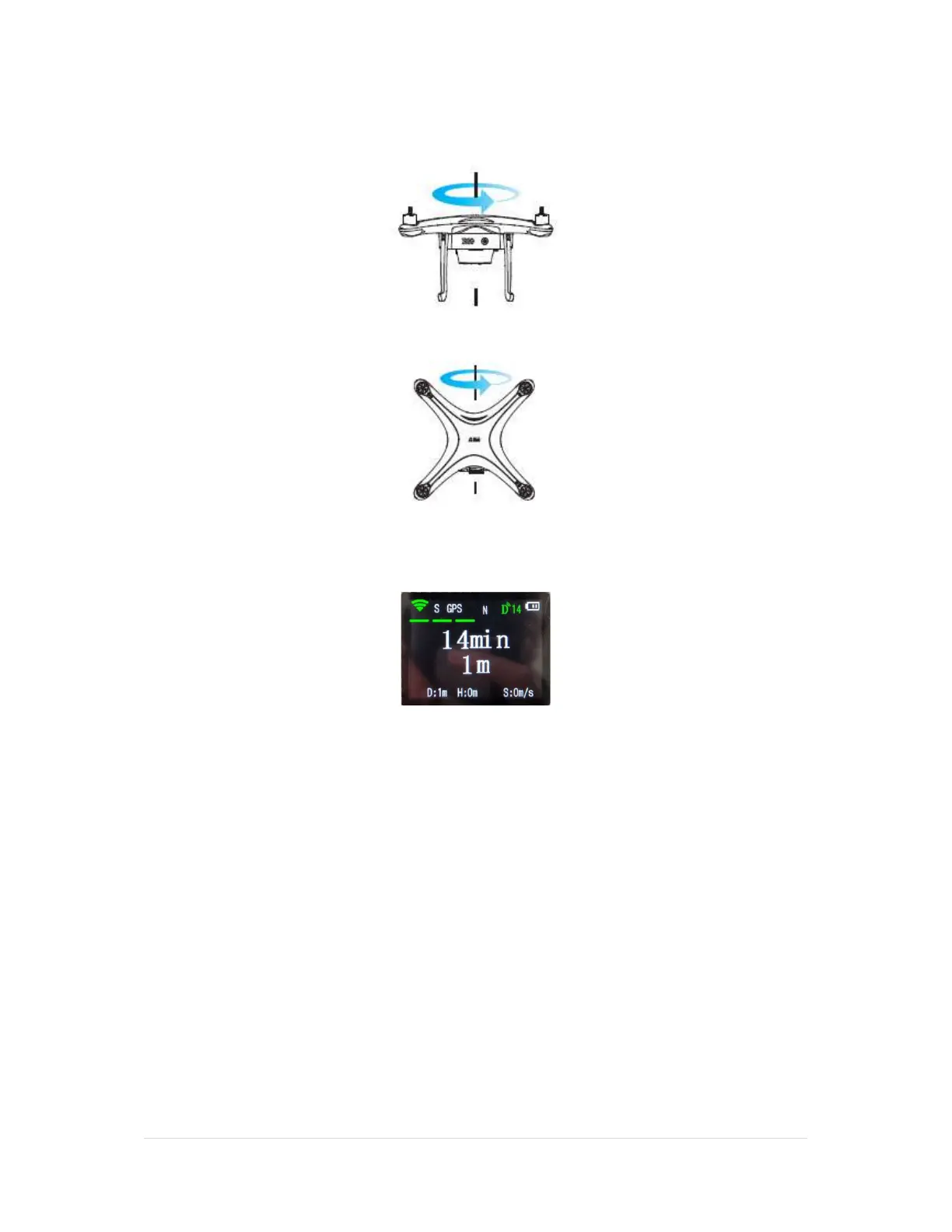
2. Lift the drone horizontally with the battery facing you and rotate yourself counterclockwise,
rotate continuously for just over 360 degrees until the two flashing taillights of the drone change
from flashing yellow to a steady flashing green.
3. Change the drone to a vertical position with the battery pointing up. Rotate yourself just over
360 degrees counterclockwise until the bottom taillights of the drone change from flashing green
to solid green.
4. After successful calibration, the screen of the remote will display the battery time and distance
from the remote to the UAV. You are ready to fly. The height “H” and speed “S” in meters per
second are displayed at the bottom of the remote screen.
WARNING: Always calibrate the Compass before the first flight of the day or if
you have moved a long way from the previous calibration point.
Recalibration Conditions
1. Compass data error: the rear status LEDs alternate flashing red and yellow.
2. You have moved to a new location.
3. The UAV has sustained mechanical or structural damage.
4. The UAV drifts severely in the flight, i.e., does not fly in a straight line.



 To Next Page