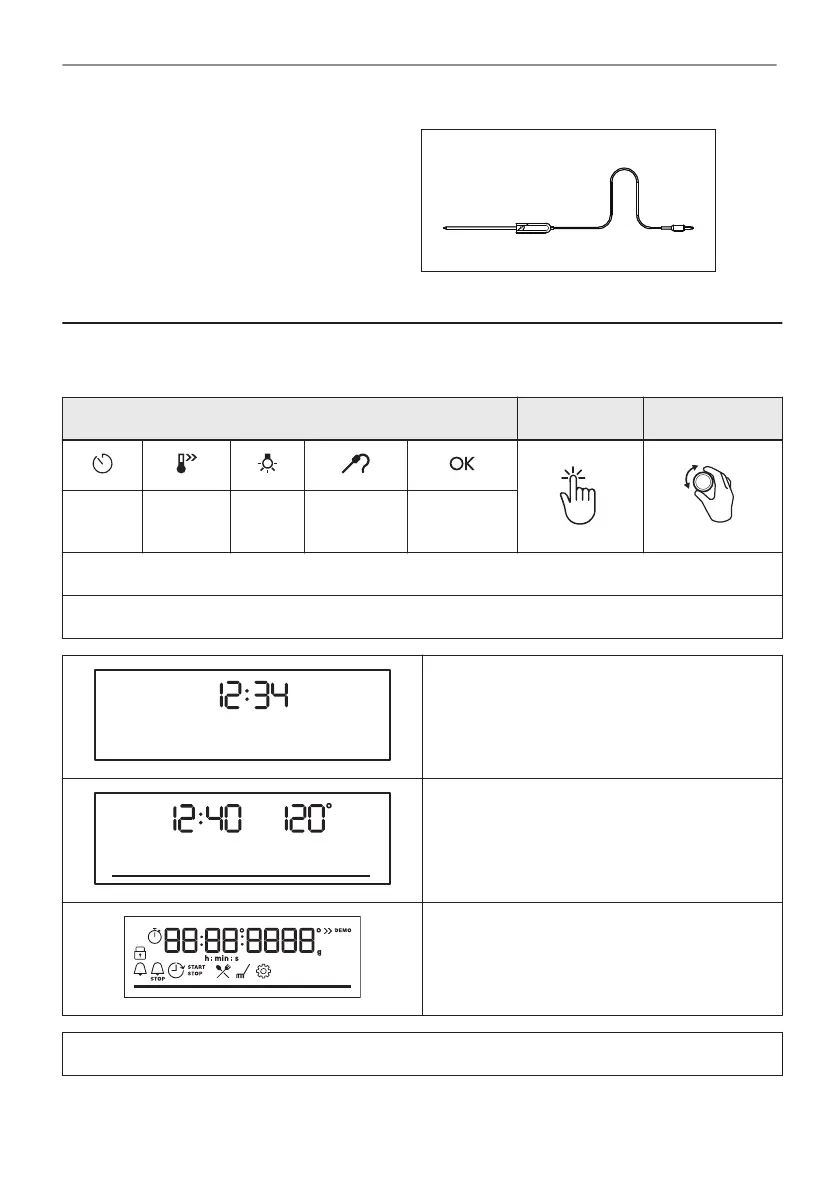
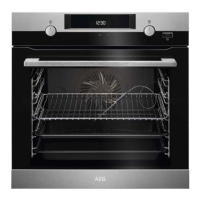
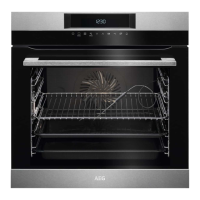
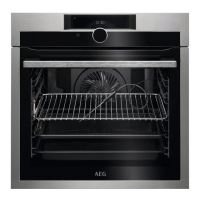
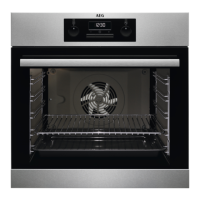
Food sensor
To measure the temperature inside food.
4. HOW TO TURN OVEN ON AND OFF
4.1 Control panel
Control panel sensor fields Press Turn the knob
Timer
Fast
Heat Up
Light
Food Sen‐
sor
Confirm
setting
Select a heating function to turn on the oven.
Turn the knob for the heating functions to the off position to turn the oven off.
When the knob for the heating functions is in
the off position, the display goes to standby.
When you cook, the display shows the set tem‐
perature, time of day and other available op‐
tions.
Display with key functions.
Display indicators
10/40
HOW TO TURN OVEN ON AND OFF


 To Next Page