5
UK
2
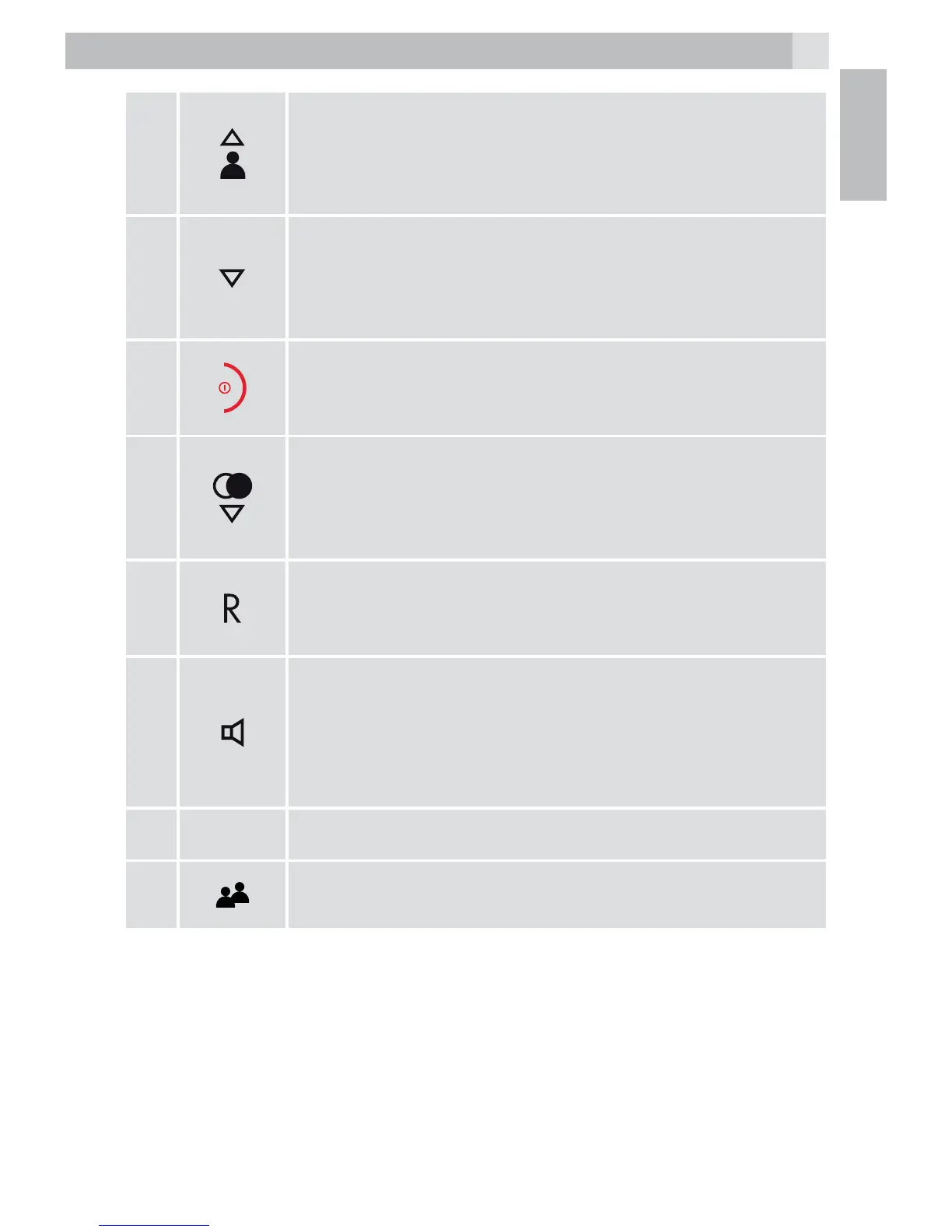
Up key/Call list
tFrom idle: access the Call List.
tIn lists: move up.
tDuring calls / ringing: increase the volume.
3
Right soft key (clear/back/mute/intercom)
tUse with icons on display above, to clear
characters, go back to previous menu, mute the
microphone or make an intercom call.
4
Talk/OFF
tEnd a call or return to previous menu.
tPress and hold to turn the handset on / off.
5
Down key/Redial
tIn lists: move down.
tDuring calls / ringing: decrease the volume.
tFrom idle: access the Redial List.
6
Flash
tSends a Flash (R) signal, used for some PBX /
Calling Features.
7
Speakerphone
tPress to make or answer calls in speakerphone
mode.
tDuring a call: Press to switch between
speakerphone and normal mode.
8
Microphone
9
Phonebook
tPress to access the phonebook.



 To Next Page