7
UK
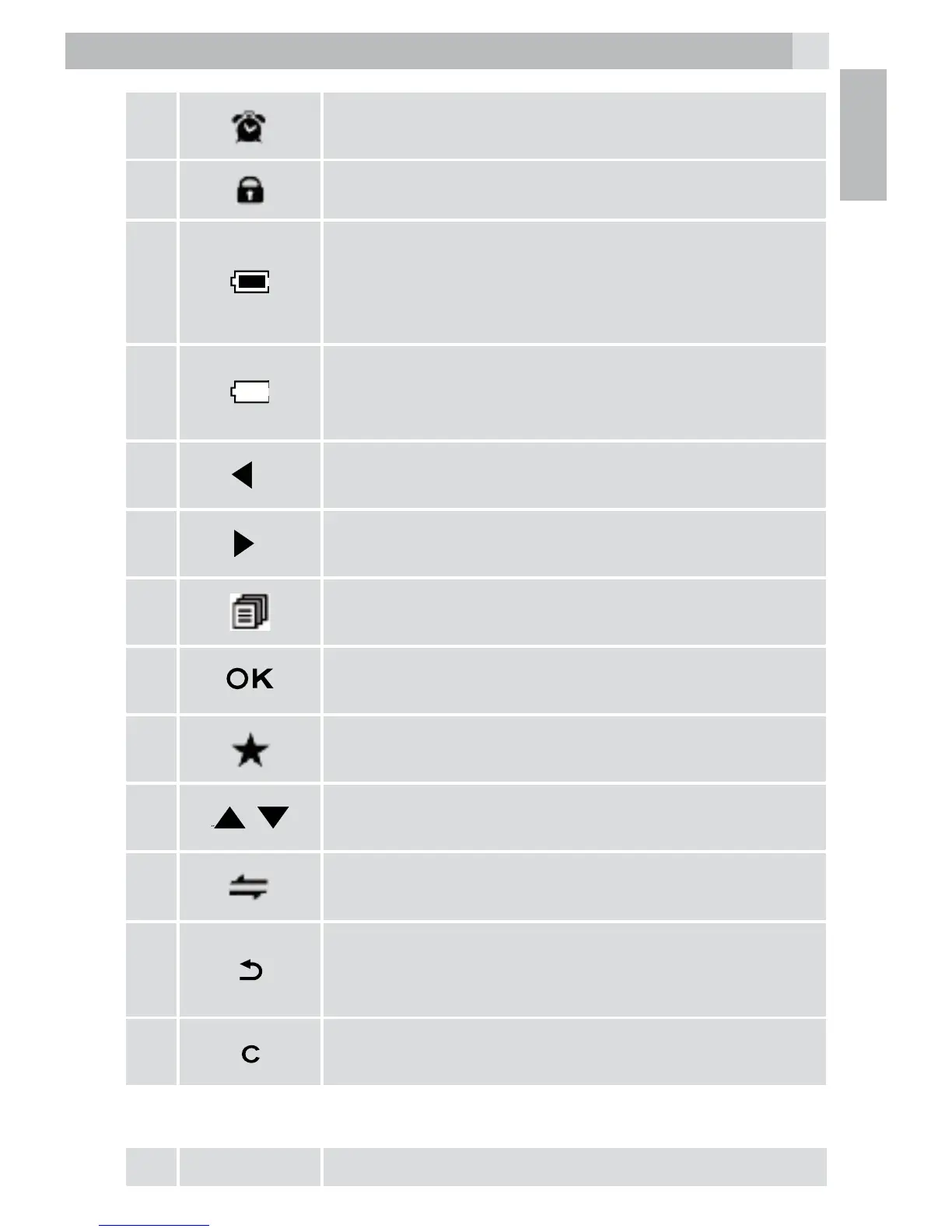
Steady when an alarm is set.
Flashes when the alarm is sounding.
Indicates that the keypad is locked.
Indicates when the battery is fully charged.
Whole icon flashes when the battery is charging.
Internal block icon flashes when the battery is in
final charging stage.
Indicates when the battery needs charging.
Flashes when low battery power level is
detected.
Indicates when there are more characters or
numbers in front of those being displayed.
Indicates when there are more characters or
numbers after those being displayed.
Left soft key function. Press to access the main
menu.
Left soft key function. Press to confirm the
current selection.
Indicates new TAM message / new call in TAM
message list / call list.
Indicates more options available in lists, above
or below.
Right soft key function. Press to start an intercom
call.
Right soft key function. Press to go back to the
previous menu (back) level or cancel the current
action.
Right soft key function. Press the alarm, or mute/
unmute the microphone during a call.
5.3 Corded Base Station (see P3)
# Meaning



 To Next Page