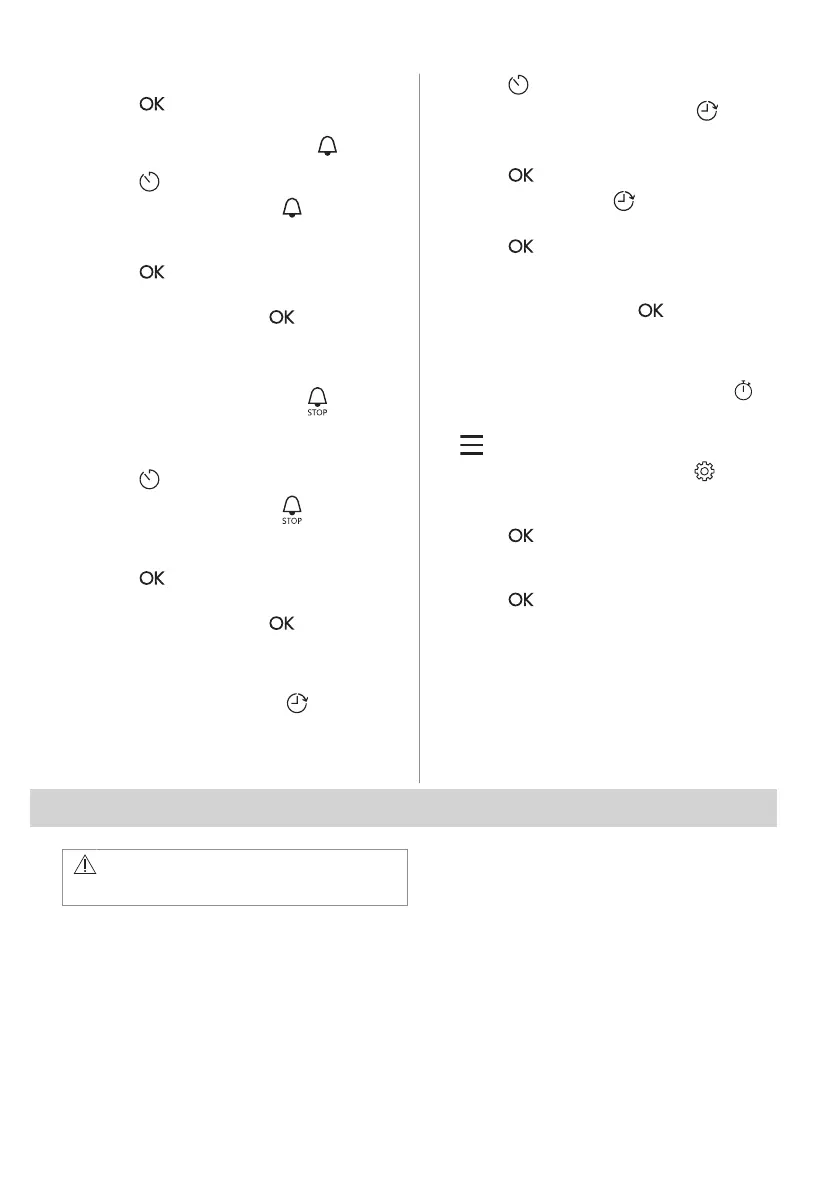
3. Turn the control knob to set the clock.
4. Press .
8.3 Setting: Minute minder
1. Press .
The display shows: 0:00 and .
2. Turn the control knob to set the Minute
minder.
3. Press . The timer starts counting down
immediately.
When the time ends, press
and turn the
knob for the heating functions to the off
position.
8.4 Setting: Cooking time
1. Turn the knob to select the heating
function and set the temperature.
2. Press
repeatedly.
The display shows: 0:00 and
.
3. Turn the control knob to set the Cooking
time.
4. Press
.
The timer starts counting down immediately.
When the time ends, press and turn the
knob for the heating functions to the off
position.
8.5 Setting: Time Delay
1. Turn the knob for the heating functions to
select the function.
2.
Press repeatedly.
The display shows: the time of day
START .
3. Turn the control knob to set the start time.
4. Press
.
The display shows: --:-- STOP .
5. Turn the control knob to set the end time.
6. Press .
The timer starts counting down at a set start
time.
When the time ends, press and turn the
knob for the heating functions to the off
position.
8.6 Turning on and off: Uptimer
1. Turn the knob for the heating functions to
to enter Menu.
2. Turn the control knob to select /
Uptimer. Refer to "Daily Use" chapter,
Menu: Settings.
3. Press .
4. Turn the control knob to turn the function
on and off.
5. Press .
9. USING THE ACCESSORIES
WARNING!
Refer to Safety chapters.
9.1 Inserting accessories
A small indentation at the top increases
safety. The indentations are also anti-tip
devices. The high rim around the shelf
prevents cookware from slipping off the shelf.
14 ENGLISH



 To Next Page