10
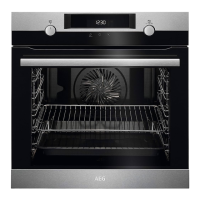
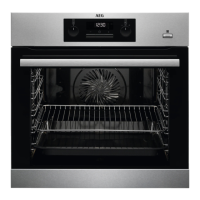
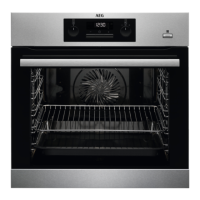
Fan
11
Shelf support, removable
12
Cavity embossment
13
Shelf positions
3.2 Accessories
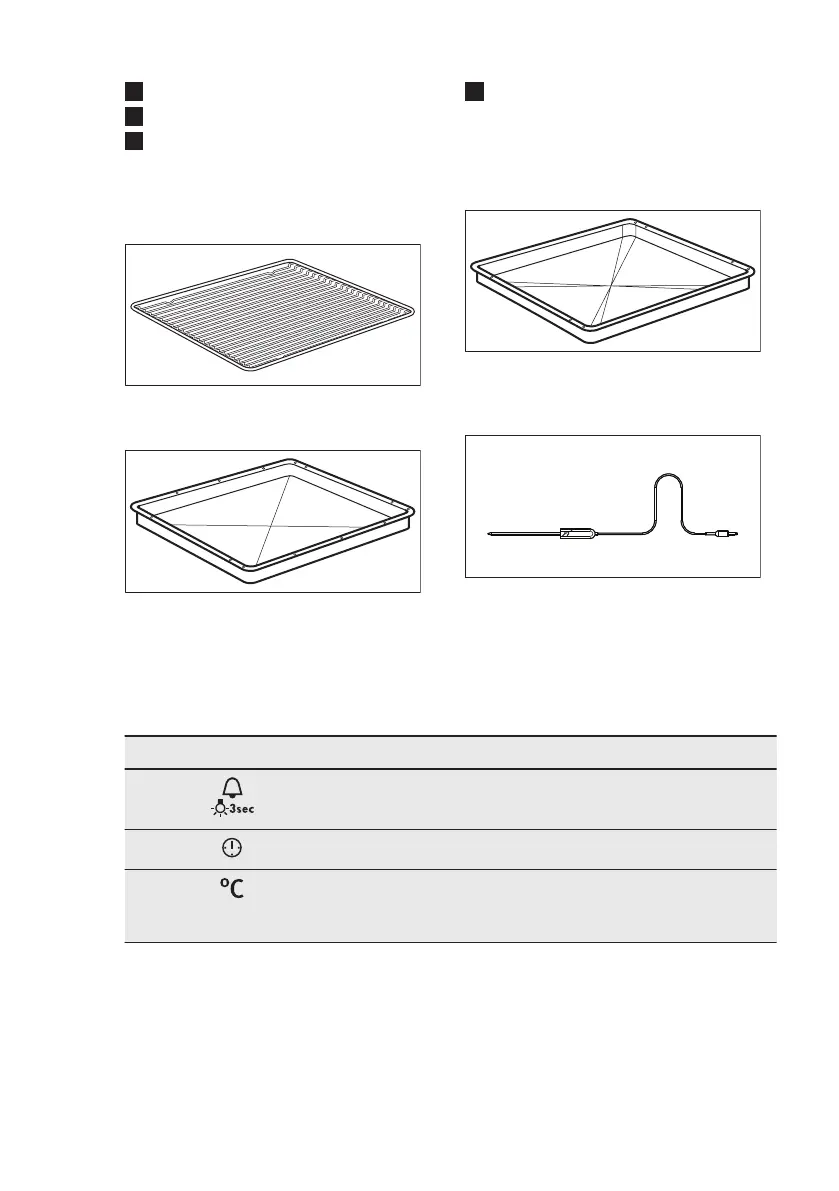
Wire shelf
For cookware, cake tins, roasts.
Baking tray
For cakes and biscuits.
Grill- / Roasting pan
To bake and roast or as a pan to collect
fat.
Food Sensor
To measure the temperature inside food.
4. CONTROL PANEL
4.1 Buttons
Sensor field / Button Description
To set the MINUTE MINDER. Hold it for more than 3 sec-
onds to turn on or turn off the oven lamp.
To set a clock function.
To check the oven temperature or the temperature of the
core temperature sensor (if applicable). Use only while a
heating function operates.
www.aeg.com8


 To Next Page