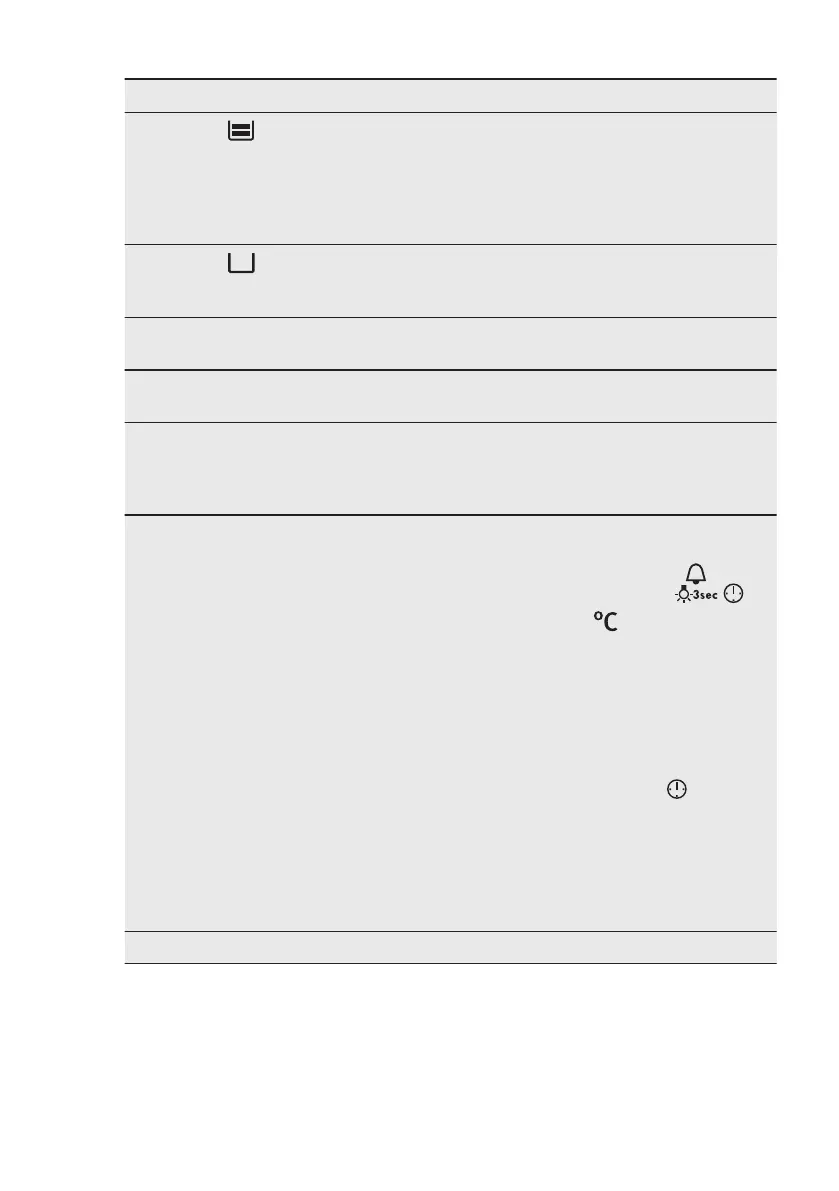
Problem Possible cause Remedy
The indicator is off.
There is not enough water in
the tank.
Fill the tank with water until
the indicator turns on. If wa-
ter starts to leak in the oven,
and the indicator is still off,
contact a qualified service
engineer.
The indicator is on.
There is no water in the tank. Fill the tank. If the indicator
is still on, contact a qualified
service engineer.
The steam cooking does not
work.
Lime obstructs the hole. Check the steam inlet open-
ing. Remove the lime.
The steam cooking does not
work.
There is no water in the tank. Fill the water tank.
It takes more than three mi-
nutes to empty the water
tank or the water leaks from
the steam inlet opening.
There are lime deposits in
the oven.
Clean the water tank. Refer
to "Cleaning the water
tank".
The appliance is activated
and does not heat up. The
fan does not operate. The
display shows "Demo".
The demo mode is activa-
ted.
1. Deactivate the oven.
2. Press and hold at the
same time
.
3. The first digit on the dis-
play and Demo indicator
start to blink.
4. Enter the code 2468 by
turning the knob for the
temperature right or left
to change the values
and press
to confirm.
5. The next digit starts to
blink.
6. Demo mode deactivates
when you confirm the
last digit and the code is
correct.
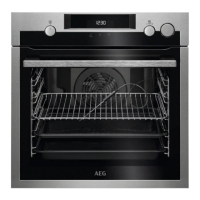
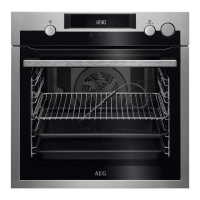
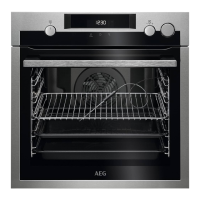
The display shows "12.00". There was a power cut. Reset the clock.
13.2 Service data
If you cannot find a solution to the
problem yourself, contact your dealer or
an Authorised Service Centre.
The necessary data for the service centre
is on the rating plate. The rating plate is
on the front frame of the oven cavity. Do
not remove the rating plate from the
oven cavity.
www.aeg.com42


 To Next Page