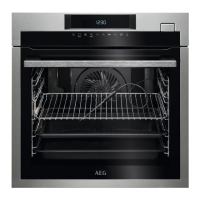
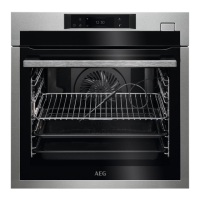
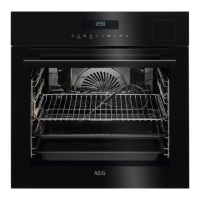
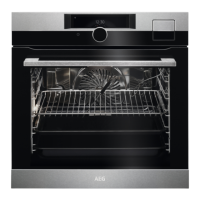
To measure the temperature inside food.
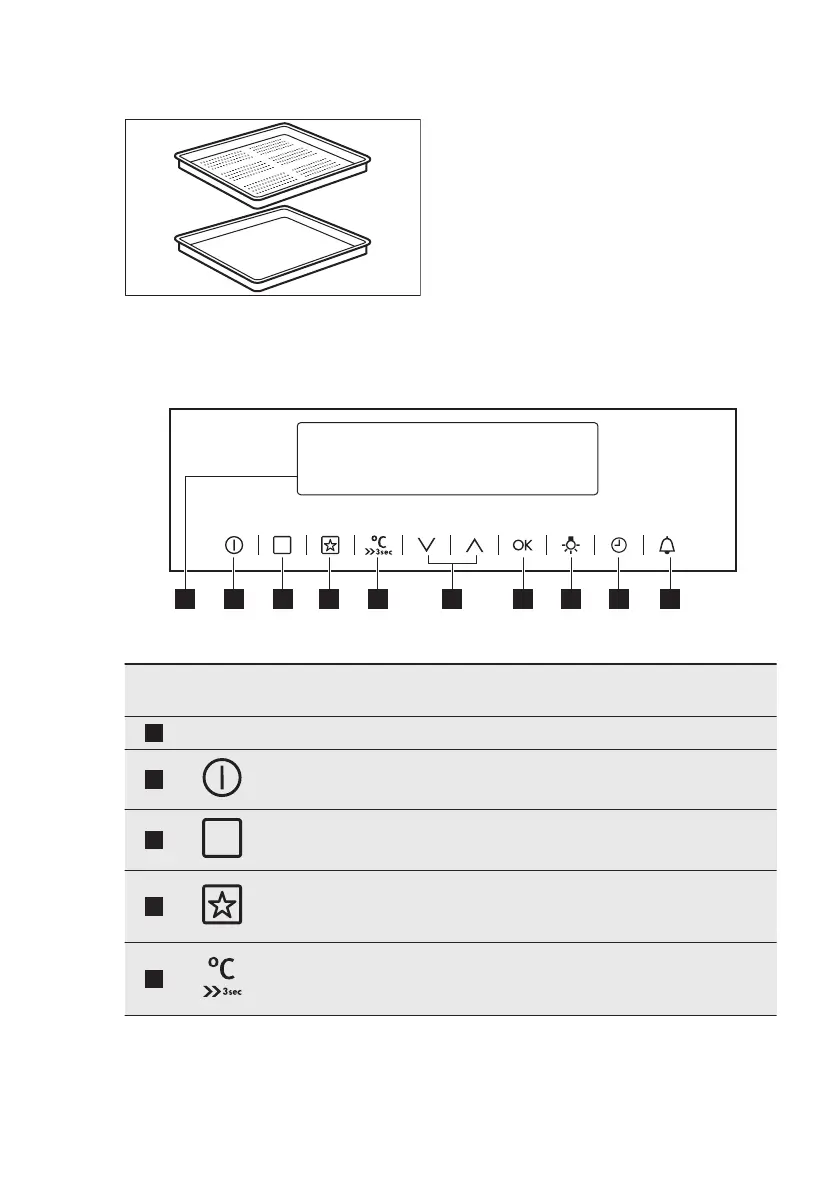
Steam set
One unperforated and one perforated
food container.
The steam set drains the condensing
water away from the food during steam
cooking. Use it to prepare vegetables,
fish, chicken breast. The set is not
suitable for food that needs to soak in
the water e.g. rice, polenta, pasta.
4. CONTROL PANEL
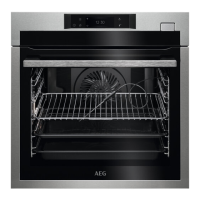
4.1 Electronic programmer
Use the sensor fields to operate the oven.
Sensor
Field
Function Description
1
- Display Shows the current settings of the oven.
2
ON / OFF To turn the oven on and off.
3
Options To set a heating function or an automatic pro-
gramme.
4
My Favourite Pro-
gramme
To store your favourite programme. Use it to
have access to your favourite programme direct-
ly or when the oven is off.
5
Temperature / Fast
Heat Up
To set or check the temperature.
Press and hold it for three seconds to turn on
and off the function: Fast Heat Up.
www.aeg.com8


 To Next Page