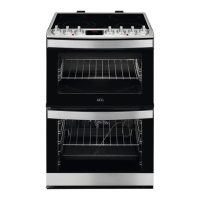
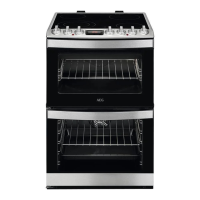
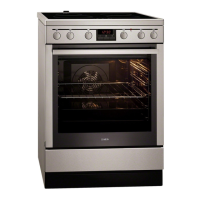
4.2 Cooking surface layout
1
Steam outlet - number and position
depend on the model
2
Semi-rapid burner
3
Auxiliary burner
4
Multicrown burner
5
Semi-rapid burner
4.3 Cooker control panel
1
Knob for the top oven
2
Knobs for the hob
3
Display
4
Knob for the main oven
4.4 Accessories
• Wire shelf
For cookware, cake tins, roasts.
• Grill- / Roasting pan
To bake and roast or as pan to collect
fat.
• Trivet
For roasting and grilling.
Use the trivet only with
the Grill- / roasting pan.
5. BEFORE FIRST USE
WARNING!
Refer to Safety chapters.
5.1 Initial Cleaning
Remove all accessories and removable
shelf supports from the oven.
Refer to "Care and cleaning" chapter.
Clean the oven and the accessories
before the first use.
Put the accessories and the removable
shelf supports back to their initial
position.
5.2 Setting and changing the
time
You must set the time before you
operate the oven.
When you connect the appliance to the
electrical supply or after a power cut,
flashes.
Press the
or to set the correct
time.
After approximately 5 seconds, the
flashing stops and the display shows the
time of day.
To change the time, press again and
again until starts to flash.
www.aeg.com
12



 To Next Page
 Loading...