English
54
Commissioning
• Selectasuitablelocationfortheunit.Asuitablelocationisadry,level,non-slipsurface
on which you can best operate the unit.
• Ifapplicable,removetheprotectiveplasticfromtheunit.
Power supply
• Connectthepowersupplyplugtoaproperlyinstalled230V,50Hzearthedsocket.
Connect the unit to the power supply by plugging the power supply jack into the DC
connector (13) on the back of the unit.
• Makesurethatthemainsvoltagematchesthedetailsontheinformationplate.
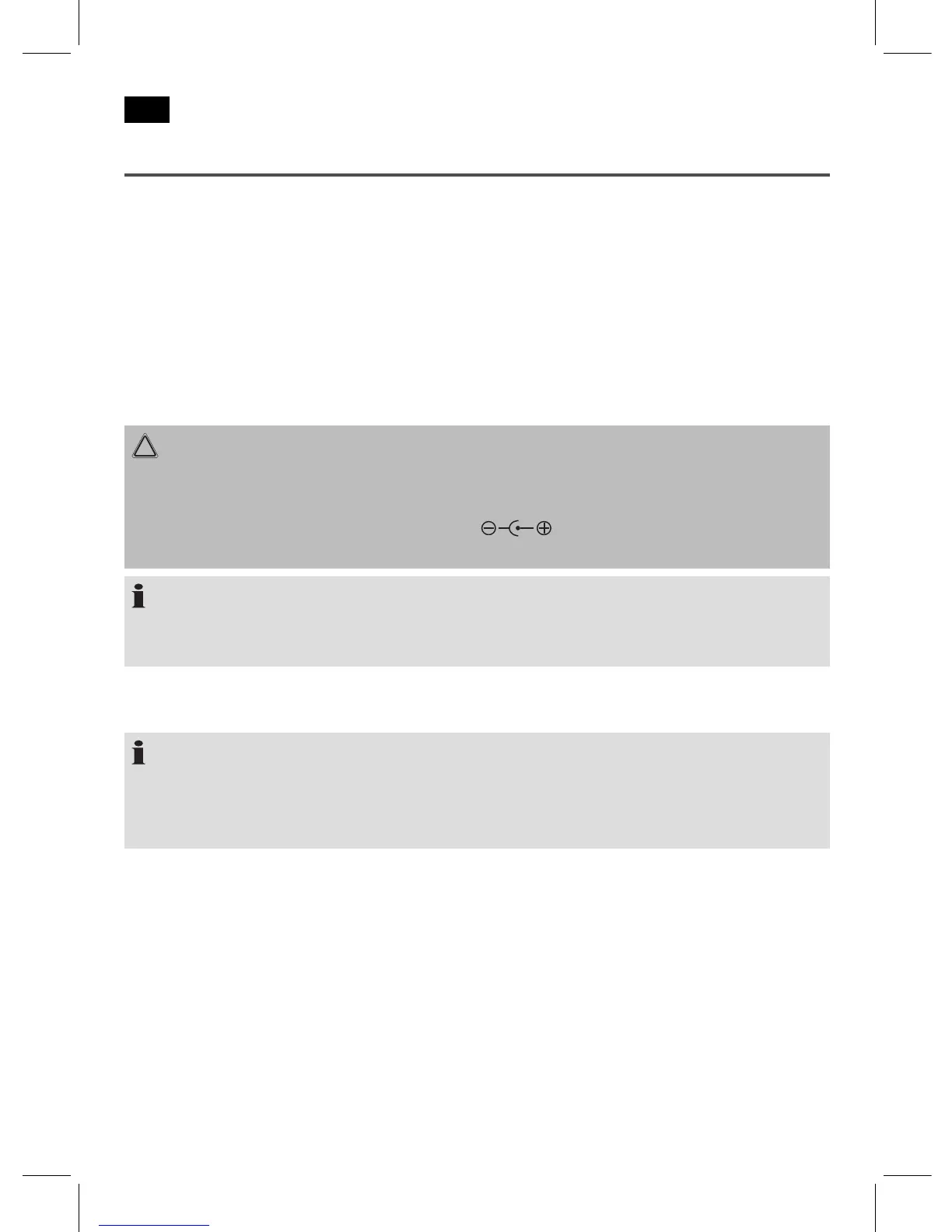
CAUTION:
• Thesuppliedpowersupplyplugmayonlybeusedwiththisunit.Donotusewith
other devices.
damage the unit.
NOTE:
If the unit is not in use for long periods, the power supply plug should be disconnected
from the socket.
Insert/replace batteries in the remote control
NOTE:
Where necessary, the lithium battery in the battery compartment of the remote control
has been protected for transport using plastic foil. This extends the battery life. Before
initial use, remove this foil to prepare the remote control for use.
The battery used in the remote control is a long life lithium battery. Should the range of the
remote control deteriorate over time, please proceed as follows:
• Openthebatterycompartmentonthebackoftheremotecontrol.
• Replacethecellwithabatteryofthesametype(CR2025).Makesurethepolarityis
correct.
• Closethebatterycompartment.
If the remote control is not in use for long periods, remove the battery to prevent the bat-
tery acid from leaking out.


 To Next Page
 Loading...