English
57
3. Put on one of the supplied sets of glasses.
4. Select the appropriate 3D conversion.
2DTV with 2D program button (8/8)
Press this button to display image content in 2D on a 2D TV. The indicator (4) comes on.
3DTV with 2D program button (10/2)
Press this button to display image content in 2D on a 3D TV. The indicator (6) comes on.
2DTV with 3D program button (9/7)
Press this button to display image content in 3D on a 2D TV. The indicator (5) comes on.
3DTV with 3D program button (3 on the remote control)
Press this button to display image content in 3D on a 3D TV. The indicator (specified
above) remains lit.
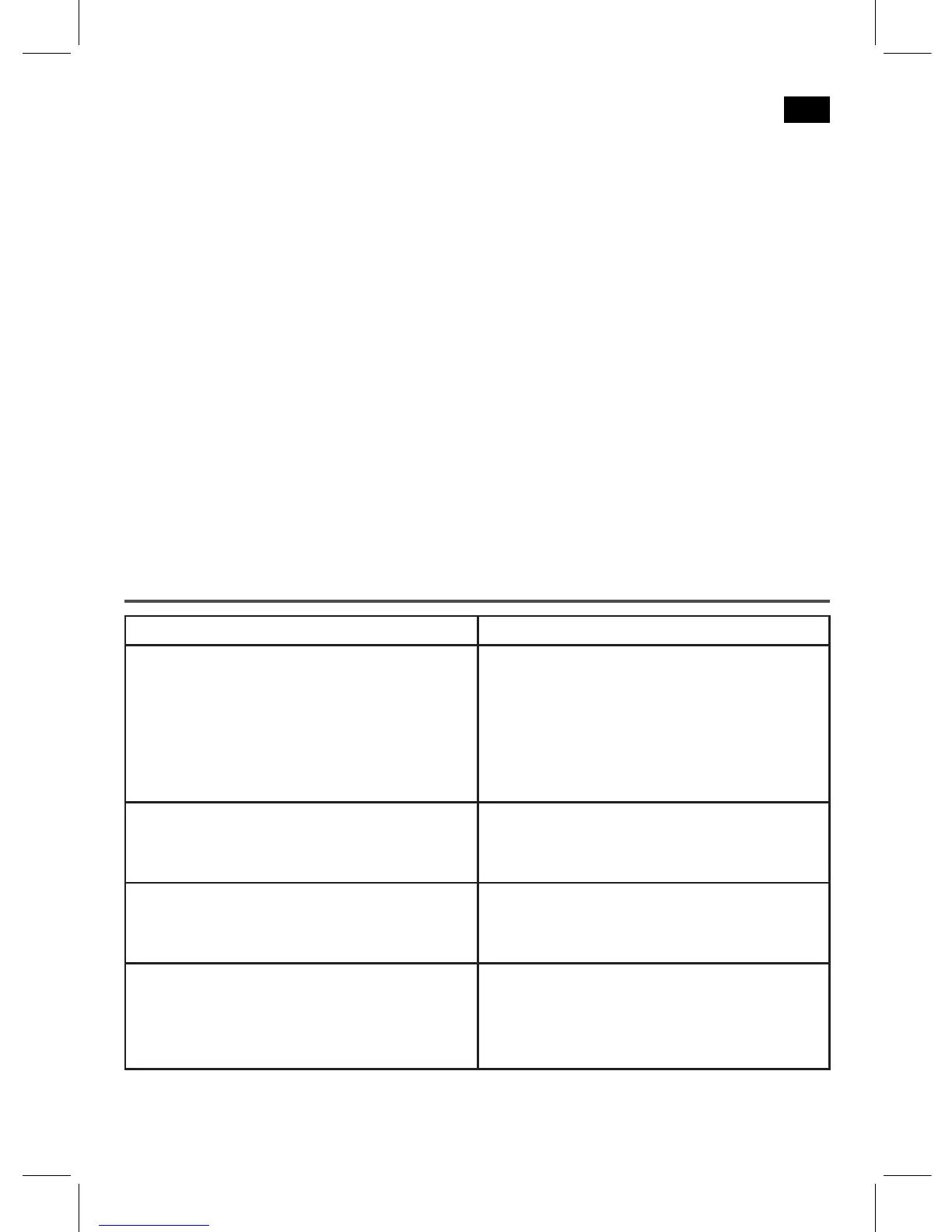
Troubleshooting
Symptoms Potential cause/solution
There is no picture on the screen. • MakesurethattheHDMIcablesare
plugged in correctly.
• Checkwhetheralldevicesareswitched
on.
• Makesurethatthecorrectinputisset
on your TV.
Blurred ghost image Activate BY PASS mode by pressing the BY
PASS button (7/1). You can use this to play
back 2D image content in the normal way.
The unit cannot be operated. Unithangsandcrashes.Disconnectthe
mains plug for around 5 seconds. Then
switch the unit back on.
No sound can be heard. • MakesurethattheHDMIcablesare
plugged in correctly.
• Makesurethatthevolumeofsignal
source and your TV is set to low.


 To Next Page
 Loading...