6
© 2012 OJ Electronics A/S - ® OJ ist eine eingetragene Marke der OJ Electronics A/S
Developed by OJ Electronics A/S - www.ojelectronics.com
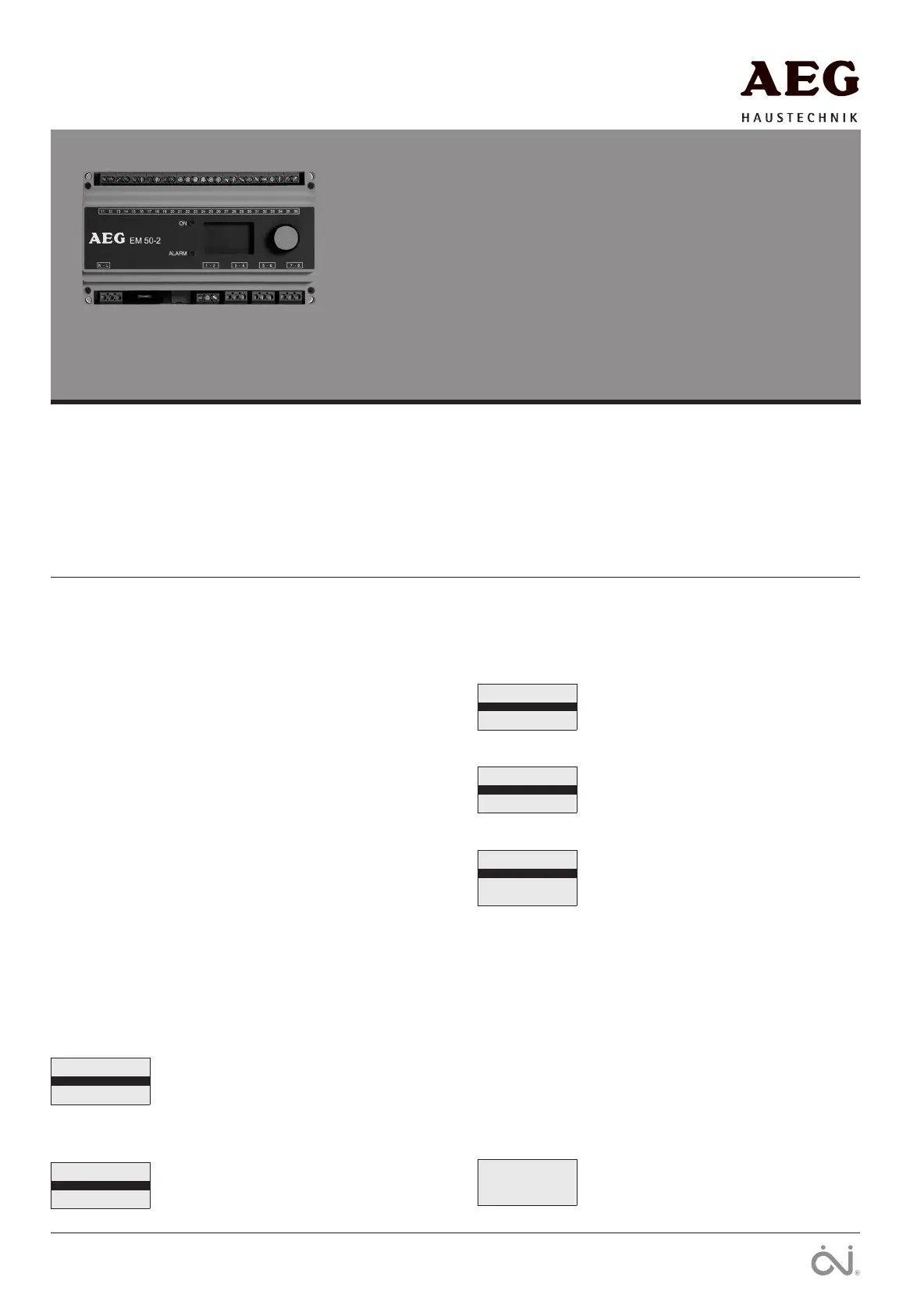
EM 50-2
English
USER MANUAL
Contents
Glossary ...................................................................................Page 6
Introduction .............................................................................. Page 6
Startup ......................................................................................Page 6
Operation .................................................................................. Page 7
Main menu ................................................................................Page 7
Display texts .............................................................................Page 7
Application info ........................................................................Page 7
Settings .................................................................................... Page 7
Oset calibration ...................................................................... Page 8
Factory settings ........................................................................ Page 9
Troubleshooting ........................................................................Page 9
Illustrations ............................................................................. Page 10
Glossary
Zone 1, 2: Independent heating zones in which ice and snow
can be melted.
Encoder button: Button which can be turned or pressed to easily
configure the settings.
EF 50-25 H: Ground sensor for detecting moisture and
temperature.
F50-10 RH: Gutter sensor for detecting moisture.
ATF 5: Outdoor sensor for detecting temperature.
Afterrun: The heat provided by the system, for a specified
length of time, after the moisture/temperature
signal has been eliminated by a heating cycle.
Introduction
Type EM 50-2 is an electronic controller for fully automatic, eco-
nomical ice and snow melting on outdoor areas and in gutters. EM
50-2 detects both temperature and moisture and the heating system
will only be activated if a possibility of snow or ice is indicated by
both parameters.
An easily operated encoder button and backlit graphic display en-
sure quick and easy configuration and simple indication of tempera-
ture, status, etc.
EM 50-2 is suitable for controlling electric heating cables in 1 or 2
zones.
Startup
SELECT SCALE:
CELCIUS
FAHRENHEIT
When EM 50-2 is switched on for the first time,
Celsius or Fahrenheit must be selected. Turn the
encoder button until the required temperature
scale is highlighted. Then OK the selection by
pressing the encoder button.
SENSOR 1:
GROUND SENSOR
GUTTER SENSOR
SENSOR 1 is shown on the display, allowing
the type of sensor connected for input 1 to be
selected:
GROUND SENSOR
GUTTER SENSOR + outdoor sensor
Then OK the selection by pressing the encoder
button.
SENSOR 2:
OFF
GROUND SENSOR
GUTTER SENSOR
SENSOR 2 is then shown on the display, al-
lowing the type of sensor connected for input 2
to be selected. If none sensor is connected for
input 2, OFF must be selected.
OUTDOOR SENSOR:
OFF
ATF
Select if outdoor sensor ATF 5 is connected
terminals 31-32.
If none sensor is connected, OFF must be se-
lected. Press encoder button for OK.
APPLICATION:
ELECTRIC 1-ZONE
ELECTRIC 2-ZONE
ELECTRIC 2-STEP
Select the application type by turning the encod-
er button and pressing OK.
ELECTRIC 1-ZONE : 1 zone electric heating
control/simple waterbased.
ELECTRIC 2-ZONE : 2 zones individual electrical
heating control/simple waterbased.
ELECTRIC 2-STEP : Advanced 2-stage electric
heating control (Y/Δ) for 1 zone. Reduces power
to 1/3 during the afterrun time. This applies only
to heating mats with 400 V. connection.
Select the appropriate option and press OK. The
system is now set up, and will begin operat-
ing fully automatically, in accordance with the
pre-configured standard program, see FACTORY
SETTINGS. Alternative settings can also be
made, see SETTINGS.
ZONE 1 HEAT OFF
ZONE 2 HEAT OFF
AFTERRUN 1 0.00
AFTERRUN 2 0.00
STANDBY OFF
Status and afterheat data for zones 1 and 2 are
now shown on the display.


 To Next Page
 Loading...