8. WIRELESS CONNECTION
You can connect your dishwasher to the
home wireless network and then link it to your
mobile devices in the app. This functionality
allows you to remotely control and monitor
your dishwasher.
Wi-Fi module parameters
Wi-Fi module NIUS-SA
Frequency 2.412 - 2.472 GHz
Protocol IEEE 802.11 b-g-n
Max Power <20 dBm
Encryption WPA, WPA2
8.1 How to connect the dishwasher
to the network and to the app
To connect your dishwasher, you need:
• Wireless network with the Internet
connection.
• Mobile device connected to the wireless
network.
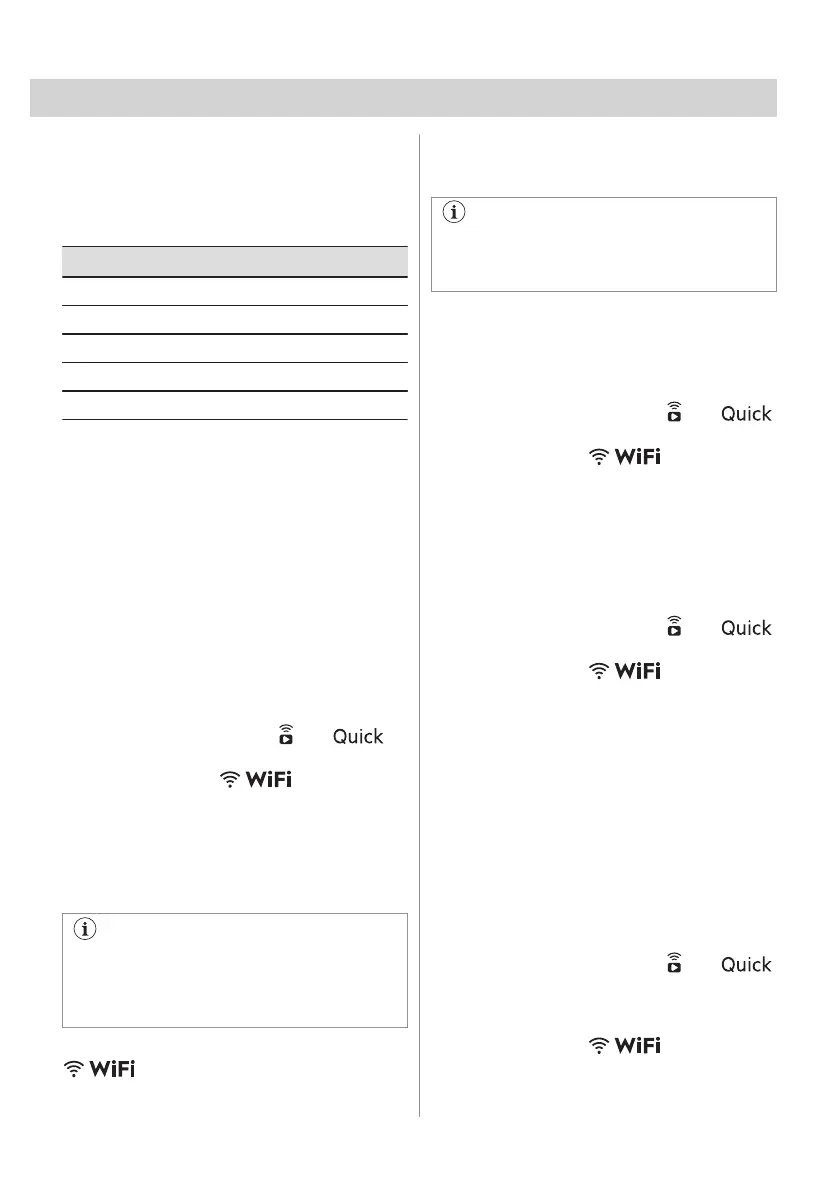
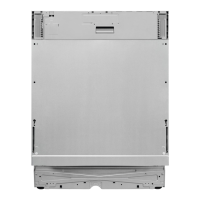
1. To download the app, scan the QR code
located on the back cover of the user
manual. You can also download the app
directly from the app store.
2. Follow the instructions in the app.
3. Turn on the dishwasher.
4. To activate the wireless connection, press
and hold simultaneously and
for 2 seconds.
• The indicator flashes.
• The display shows On for a few
seconds and then AP.
• All buttons are inactive except for the
on/off button.
5. When prompted, enter the home network
credentials in the app.
If the credentials are not entered, the
dishwasher cancels the procedure after
some time and returns to the programme
selection.
If the connection is successful, the indicator
is steady and the letters AP are off.
The appliance returns to the programme
selection. Refer to "Daily use" chapter to
activate the remote start.
If the connection is unsuccessful or the
display shows upd, refer to
"Troubleshooting" chapter.
To cancel the procedure, switch the
appliance off and on.
8.2 How to deactivate the wireless
connection
Press and hold simultaneously and
for 2 seconds.
• The indicator is off.
• The display shows Off for a few
seconds.
• The appliance returns to the
programme selection.
8.3 How to activate the wireless
connection
Press and hold simultaneously and
for 2 seconds.
• The indicator
is on.
• The display shows On for a few
seconds.
• The appliance returns to the
programme selection.
Refer to "Daily use" chapter to activate the
remote start.
8.4 How to reset the network
credentials
If you want to connect to a different wireless
network or update the credentials of the
current network, reset the network
credentials.
Press and hold simultaneously and
for about 5 seconds.
• The display shows Off and then --- for
a few seconds.
• The indicator is off.
• The appliance returns to the
programme selection.
ENGLISH 15



 To Next Page