28
Note:
▪
If no SD/MMC card was inserted, a blue screen will appear for 3 seconds with
the message “no card”. No functions are available.
▪
If the SD card has no free memory, a blue screen will appear with the message
“Protected slot full”. Erase the data medium or insert an SD card with sufficient
free memory. Additional recordings will erase existing data.
Note:
▪
Use the function keys (11) to switch between day/night mode whilst recording.
End recording by pressing the OK button (12) again.
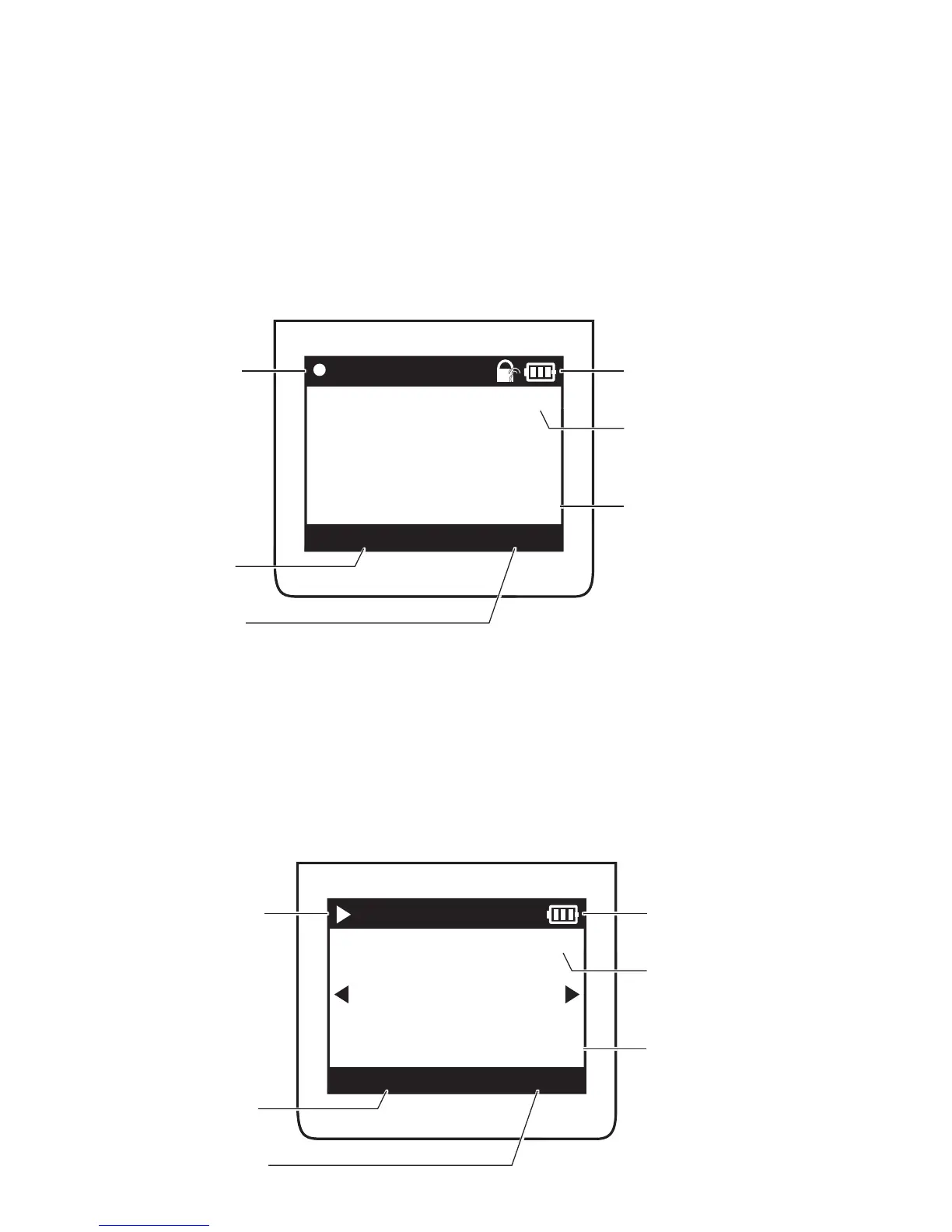
Playback
REC
HD
JJJJ / MM / TT hh : mm : ss
hh:mm:ss
JJJJ/MM/TT
T
G
Resolution
Time- /
date stamp
current date
current time
Charge levelRecord
REC
HD
!
JJJJ / MM / TT hh : mm : ss
hh:mm:ss
JJJJ/MM/TT
HD
JJJJ / MM / TT hh : mm : ss
hh:mm:ss
JJJJ/MM/TT
Resolution
Time- /
date stamp
current date
Time
Charge levelPlayback



 To Next Page