GB
29
Viewing video recordings:
1. Use the MODE button (5) to select the playback mode.
2. Select the respective film using the function keys (11).
3. Press the OK button (12) to start/stop playing a film.
Powering off
Hold the POWER button (3) to manually switch off the camera. You will hear a
sound.
Note:
If the cockpit camera is permanently connected to the car outlet using the USB
connecting cable, the camera will stop recording once the car outlet is no longer
powered. Please refer to the owner’s manual for your vehicle.
Copying data to the computer
Remove the SD/MMC card from the SD/MMC slot (6) and insert into your PC’s
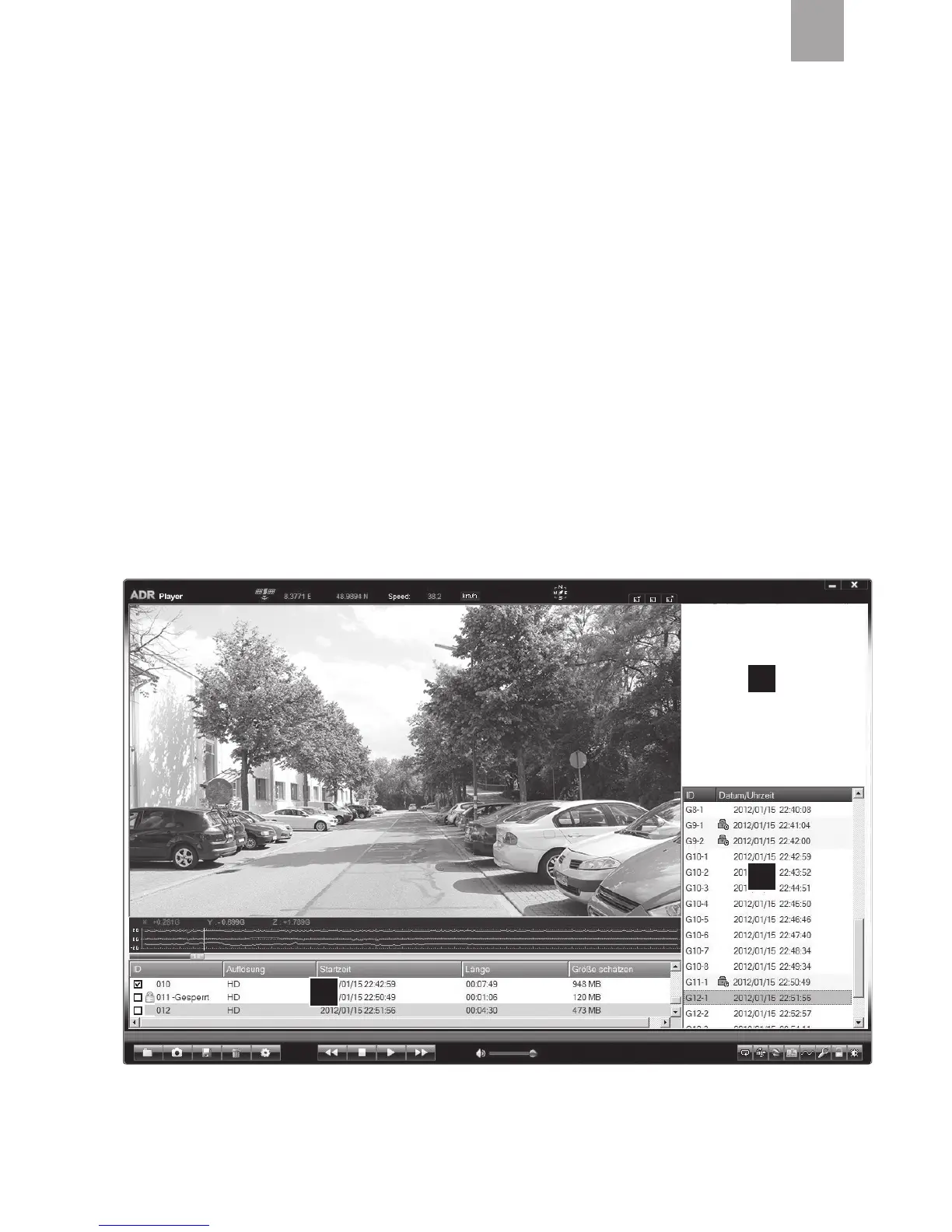
card slot. open file “ADrPlayer.exe”. this player allows you to view and edit films.
3
2
1



 To Next Page