3. PRODUCT DESCRIPTION
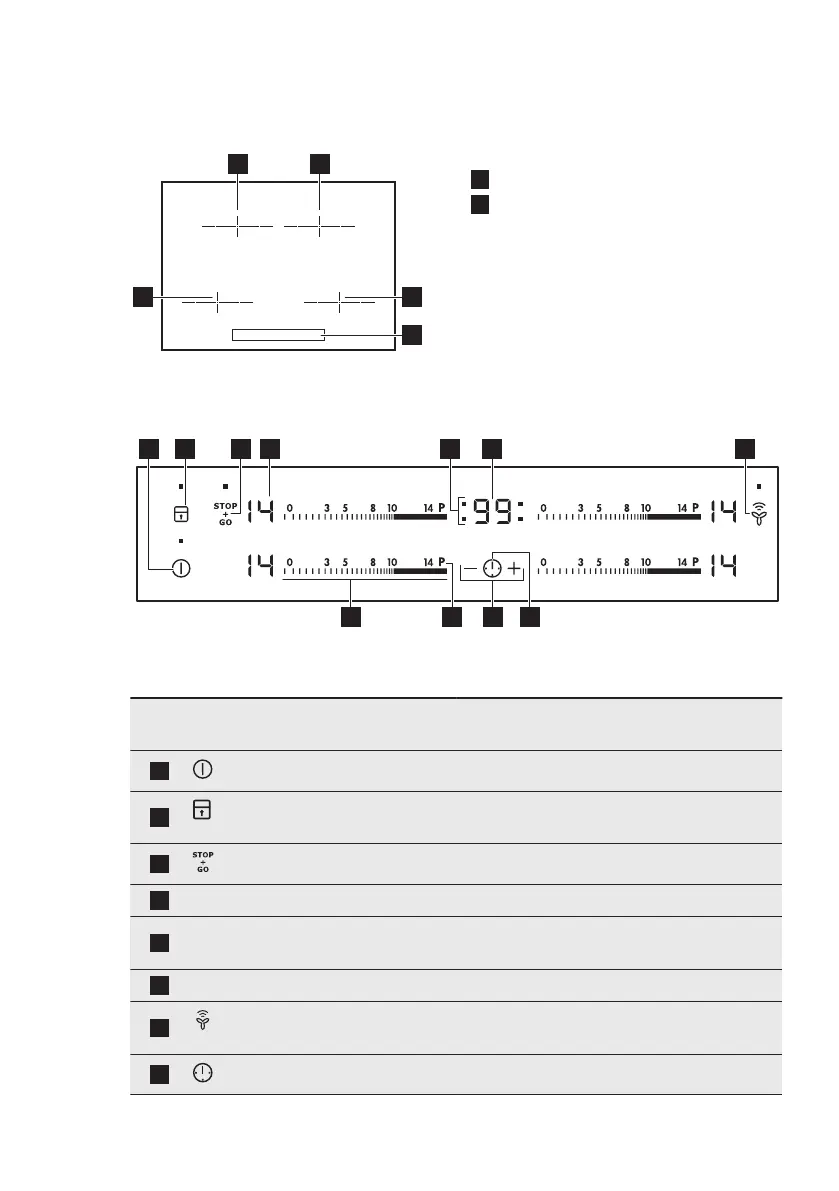
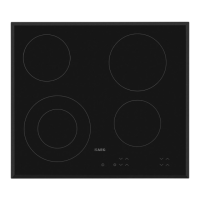
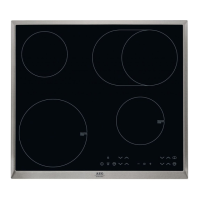
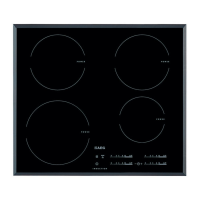
3.1 Cooking surface layout
1
Induction cooking zone
2
Control panel
3.2 Control panel layout
Use the sensor fields to operate the appliance. The displays, indicators and sounds tell
which functions operate.
Sensor
field
Function Comment
1
ON / OFF To activate and deactivate the hob.
2
Lock / The Child Safety De-
vice
To lock / unlock the control panel.
3
STOP+GO To activate and deactivate the function.
4
- Heat setting display To show the heat setting.
5
- Timer indicators of cooking
zones
To show for which zone you set the time.
6
- Timer display To show the time in minutes.
7
Hob²Hood To activate and deactivate the manual
mode of the function.
8
- To select the cooking zone.
ENGLISH 7


 To Next Page