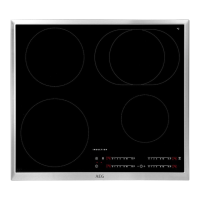
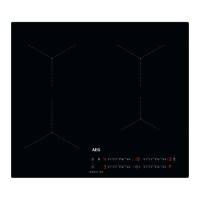
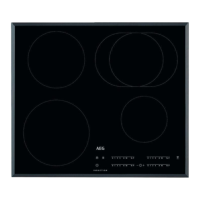
Sensor
field
Function Comment
8
- To select the cooking zone.
9
/
- To increase or decrease the time.
10
/
- To set a heat setting.
11
PowerBoost To activate and deactivate the function.
3.3 Heat setting displays
Display Description
The cooking zone is deactivated.
- / -
The cooking zone operates.
The dot means a change by half of a heating level.
Pause operates.
Automatic Heat Up operates.
PowerBoost operates.
+ digit
There is a malfunction.
/ /
OptiHeat Control (3 step Residual heat indicator): continue cooking /
keep warm / residual heat.
Lock / Child Safety Device operates.
Incorrect or too small cookware or no cookware on the cooking zone.
Automatic Switch Off operates.
3.4 OptiHeat Control (3 step
Residual heat indicator)
WARNING!
/ / There is a risk of
burns from residual heat.
The indicator shows the level
of the residual heat.
The induction cooking zones make the
heat necessary for cooking process
directly in the bottom of the cookware.
The glass ceramic is heated by the heat
of the cookware.
www.aeg.com8


 To Next Page
 Loading...