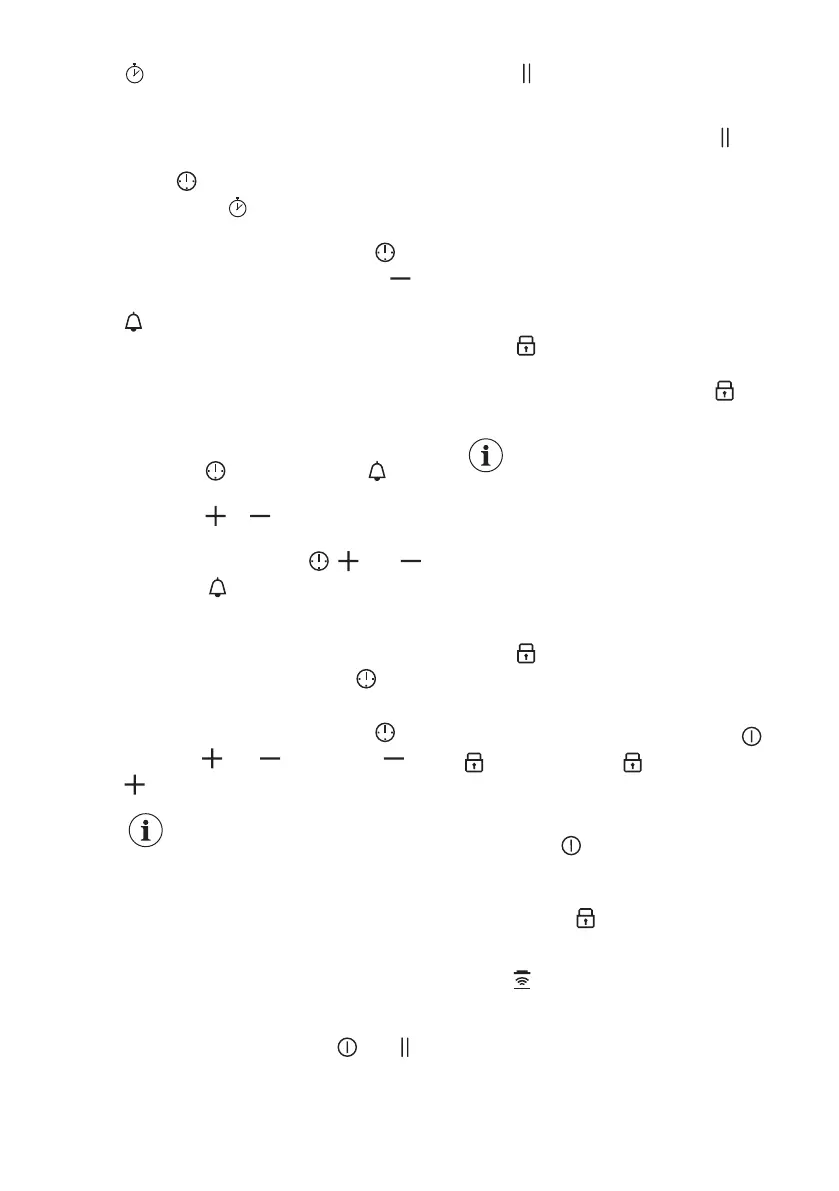
CountUp Timer (The count
up timer)
You can use this function to monitor how
long a cooking zone operates.
Touch
twice to activate the function.
The indicator turns red, the timer
starts to count up automatically.
To deactivate the function: touch .
When the indicators light up, touch .
Minute Minder
You can use this function when the hob
is activated but the cooking zones do not
operate.
To see the control panel, place a pot on
a cooking zone.
1. Touch
, until the indicator turns
red, to activate the function.
2. Touch
or to set the time.
The function starts automatically after 4
seconds. The indicators , , and
disappear. stays red.
When you set the function, you can
remove the pot.
When the time comes to an end, a signal
sounds and 00 flashes. Touch to stop
the signal.
To deactivate the function: touch . The
indicators and light up. Use or
to set 00 on the display.
The function has no effect
on the operation of the
cooking zones.
5.8 Pause
This function sets all cooking zones that
operate to the lowest heat setting.
When the function operates, all other
symbols on the control panels are
locked.
When the function is active, and
symbols can be used.
The function does not stop the timer
functions.
Touch to activate the function.
The symbol turns red. The heat setting is
lowered to 1.
To deactivate the function, touch . The
symbol turns white. The previous heat
setting comes on.
5.9 Lock
You can lock the control panel while the
hob operates. It prevents an accidental
change of the heat setting.
Set the heat setting first.
Touch to activate the function.
The symbol turns red and blinks.
To deactivate the function, touch . The
symbol turns white
When you deactivate the
hob, you also deactivate this
function.
5.10 Child Safety Device
This function prevents an accidental
operation of the hob.
Activate the hob first and do not set the
heat setting.
Touch until it turns red to activate the
function.
The control bar disappears.
To activate the function for only one
cooking time: Activate the hob with
.
comes on. Touch until it turns
white. The control bar appears. Set the
heat setting within 50 seconds. You can
operate the hob. When you deactivate
the hob with the function is still active.
To deactivate the function completely,
activate the hob and do not set the heat
setting. Touch
until it turns white. The
control bar appears. Deactivate the hob.
5.11
Hob²Hood
It is an advanced automatic function
which connects the hob to a special
hood. Both the hob and the hood have
an infrared signal communicator. Speed
of the fan is defined automatically on the
basis of the mode setting and
www.aeg.com12


 To Next Page