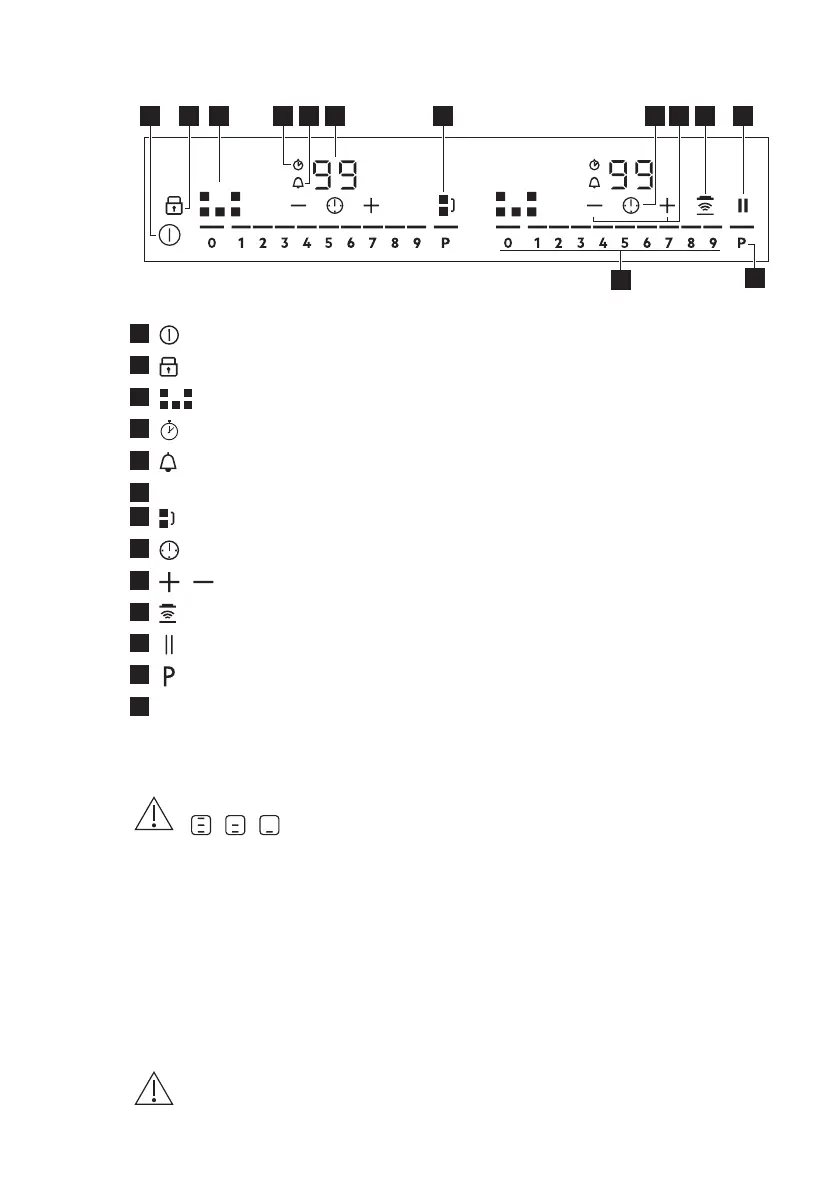
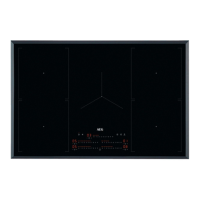
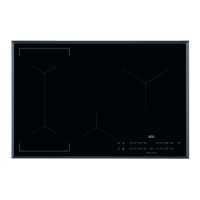
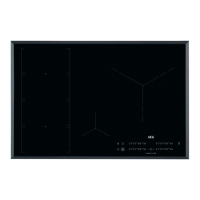
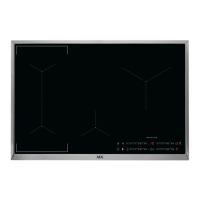
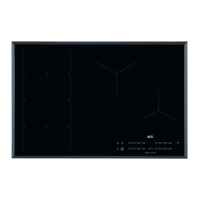
4.2 Control panel layout
1
To activate and deactivate the hob.
2
To activate and deactivate the Lock or the Child Safety Device.
3
The cooking zone indicator.
4
CountUp Timer indicator.
5
Count Down Timer indicator.
6
Timer display: 00 - 99 minutes.
7
To activate and deactivate the Bridge function.
8
To set the timer function.
9
/ To increase and decrease the time.
10
To activate and deactivate the Hob²Hood function.
11
To activate and deactivate the Pause function.
12
To activate the PowerBoost function.
13
Control bar to set a heat setting 0 - 9.
4.3 OptiHeat Control (3 step
Residual heat indicator)
WARNING!
/ / The indicators
show the level of the
residual heat for the cooking
zones you are currently
using. The indicators may
also come on for the
neighbouring cooking zones
even if you are not using
them.
The induction cooking zones produce the
heat necessary for the cooking process
directly in the bottom of the cookware.
The glass ceramic is heated by the heat
of the cookware.
When the hob is deactivated, the
indicators are still visible. When the hob
is cold enough, they disappear.
5. DAILY USE
WARNING!
Refer to Safety chapters.
ENGLISH 9


 To Next Page