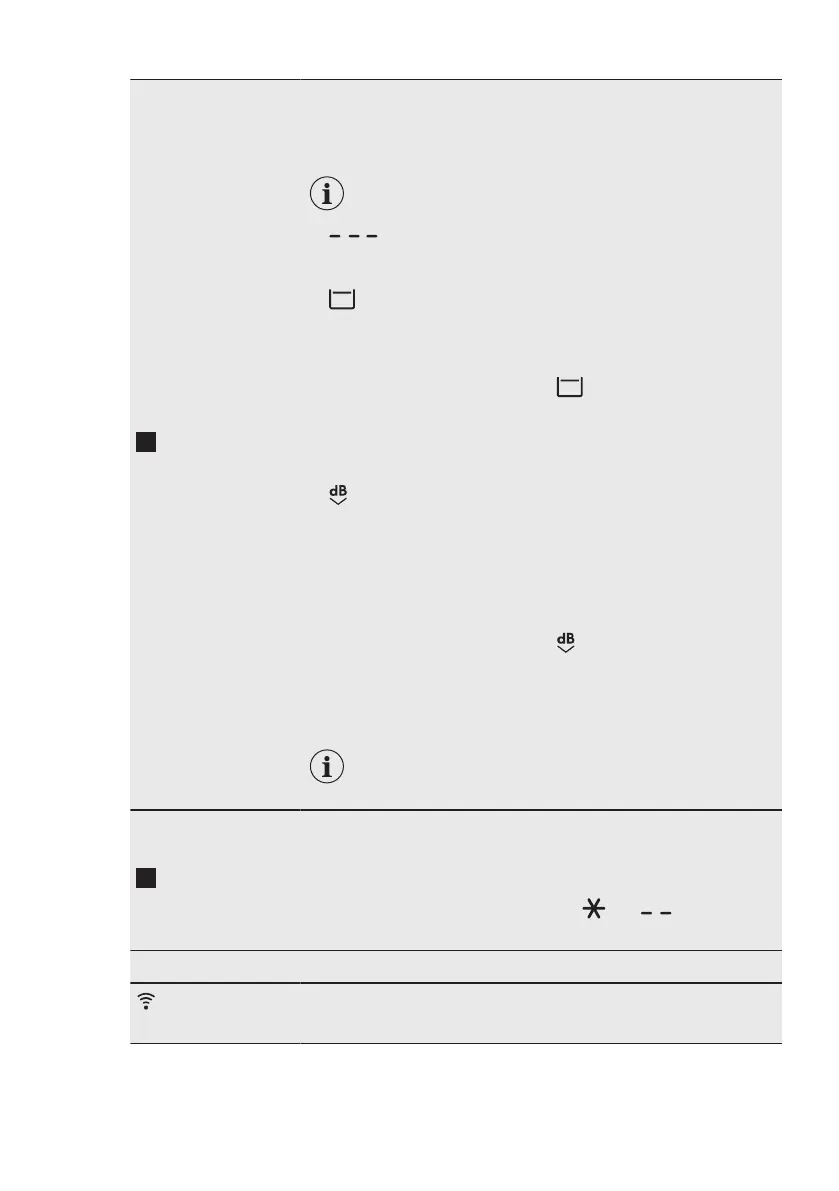
Centrif. but‐
ton
When you set a programme, the appliance automatically selects
the default spin speed.
Touch this button repeatedly to:
• Change the spin speed.
The display shows only the spin speeds availa‐
ble for the set programme.
• Set No spin option.
This option set with Centrif. \ Drenar option (if present) per‐
forms the drain phase only.
•
Activate the Rinse Hold option .
The water of the last rinse is not drained out to prevent the fab‐
rics from creasing. The washing programme ends with water in
the drum and the final spin phase is not performed.
The display shows the indicator .
The door stays locked. The drum turns regularly to reduce
creasing. You must drain the water to unlock the door.
Touch Inicio/Pausa button: the appliance performs the spinning
phase and drains the water.
•
Activate the Extra Silent option.
All spinning phases (intermediate spin and final spin) are sup‐
pressed and the programme ends with water in the drum. This
helps to reduce creasing.
As the programme is very quiet, it is suitable for use at night
time when cheaper electricity tariffs are available. In some pro‐
grammes the rinses are performed with more water.
The display shows the indicator .
The door stays locked. The drum turns regularly to reduce
creasing. You must drain the water to unlock the door.
Touch the Inicio/Pausa button button: the appliance performs
only the draining phase.
The appliance empties the water out automatical‐
ly after approximately 18 hours.
Temp. °C
touch button
When you select a washing programme, the appliance automati‐
cally proposes a default temperature.
Touch this button repeatedly until the desired temperature value
appears on the display.
When the display shows the indicators and , the appliance
does not heat the water.
Button combination:
Connectivity
To activate/deactivate this option, touch the Temp. °C and Cen‐
trif. buttons simultaneously for about 6 seconds.
ENGLISH 23


 To Next Page