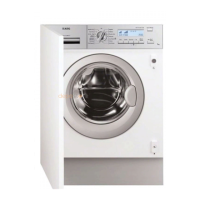
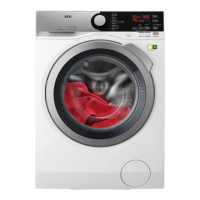
6. CONTROL PANEL
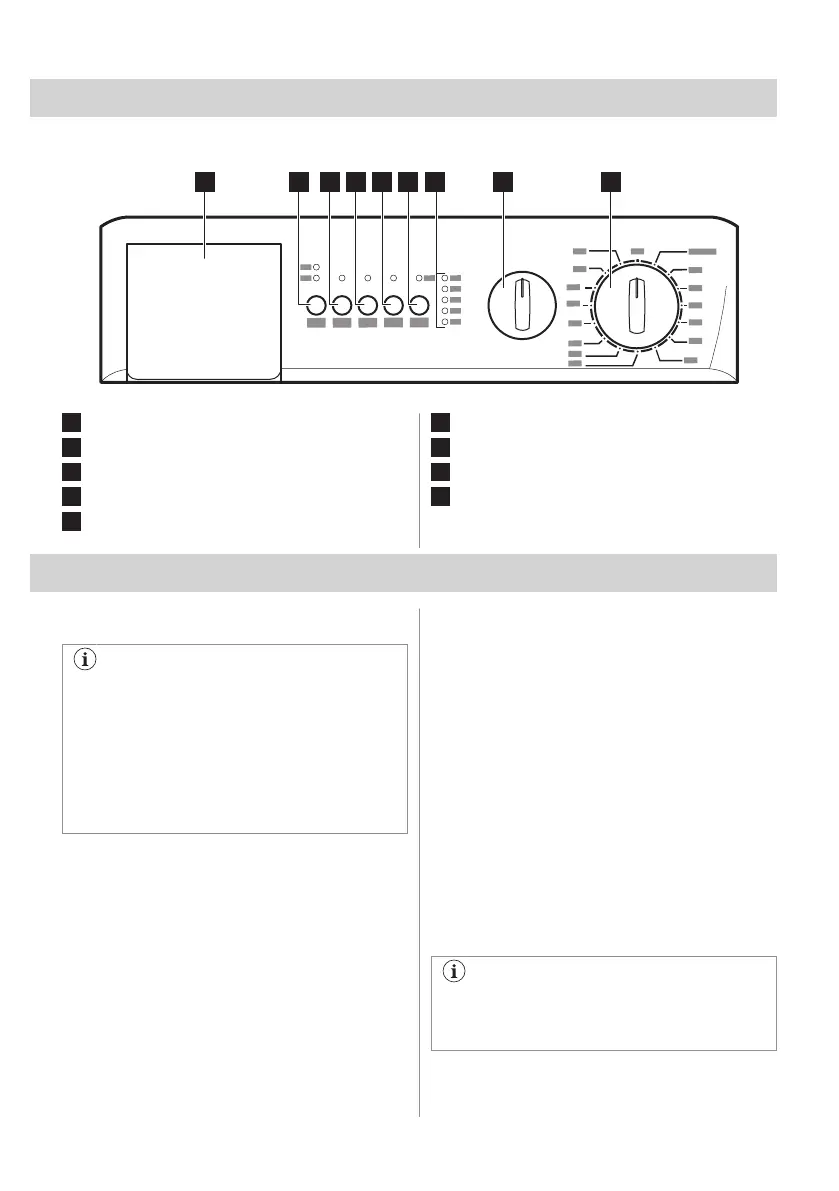
6.1 Control panel description
1
Detergent drawer
2
Time Save button Extra Quick / Quick
3
Easy Iron button
4
Prewash button
5
Start/Pause button
6
Delay Start button
7
Programme progress indicators
8
SPIN reduction selector
9
Programme selector dial
7. DIAL AND BUTTONS
7.1 Introduction
The options/functions are not available
with all washing programmes. Check the
compatibility between options/functions
and washing programmes in the
"Programme Chart". An option/function
can exclude another one, in this case the
appliance doesn't allow you to set
incompatible options/functions.
7.2 Programme Selector Dial
Select suitable programme depending on the
type, amount and soiling level of the laundry
to ensure more effective washing results.
Selector dial also allows you to switch the
appliance On and Off.
7.3 Spin Reduction Dial
Change the spin speed by turning the
selector knob to the chosen value.
Additional spin options:
• No Spin 0
Set this option to deactivate all spin
phases. The appliance performs the only
draining phase of the selected washing
programme. Set this option for very
delicate fabrics. The rinses phase uses
more water for some washing
programmes.
• Rinse Hold
The final spin is not performed. The water
of the last rinse is not drained out to
prevent the fabrics from creasing. The
washing programme ends with water in
the drum. When the programme has
finished, the lights Spin and End are lit to
indicate that the water must be emptied
out. Read the "At the end of the
programme" paragraph.
For the maximum spin speed allowed by
each programme, refer to the
"Programme Chart" chapter.
ENGLISH 11



 To Next Page