option, the indicator of the set option comes
on.
If you turn the programme selector dial to
another programme when the machine is
working, the lights in the programme
progress display will start to flash to
indicate a wrong selection. The machine
will not perform the new selected
programme.
10.4 Starting the programme
1. Turn the programme dial to select the
desired washing programme. The
indicator of the Start/Pause button
flashes.
2. To change the spin speed turn the dial,
set one or more options by touching the
related buttons.
3. To start the selected programme, press
the button Start/Pause . The related
indicators come on to indicate that the
appliance starts operating and the door is
locked.
10.5 Starting a programme with the
delay start
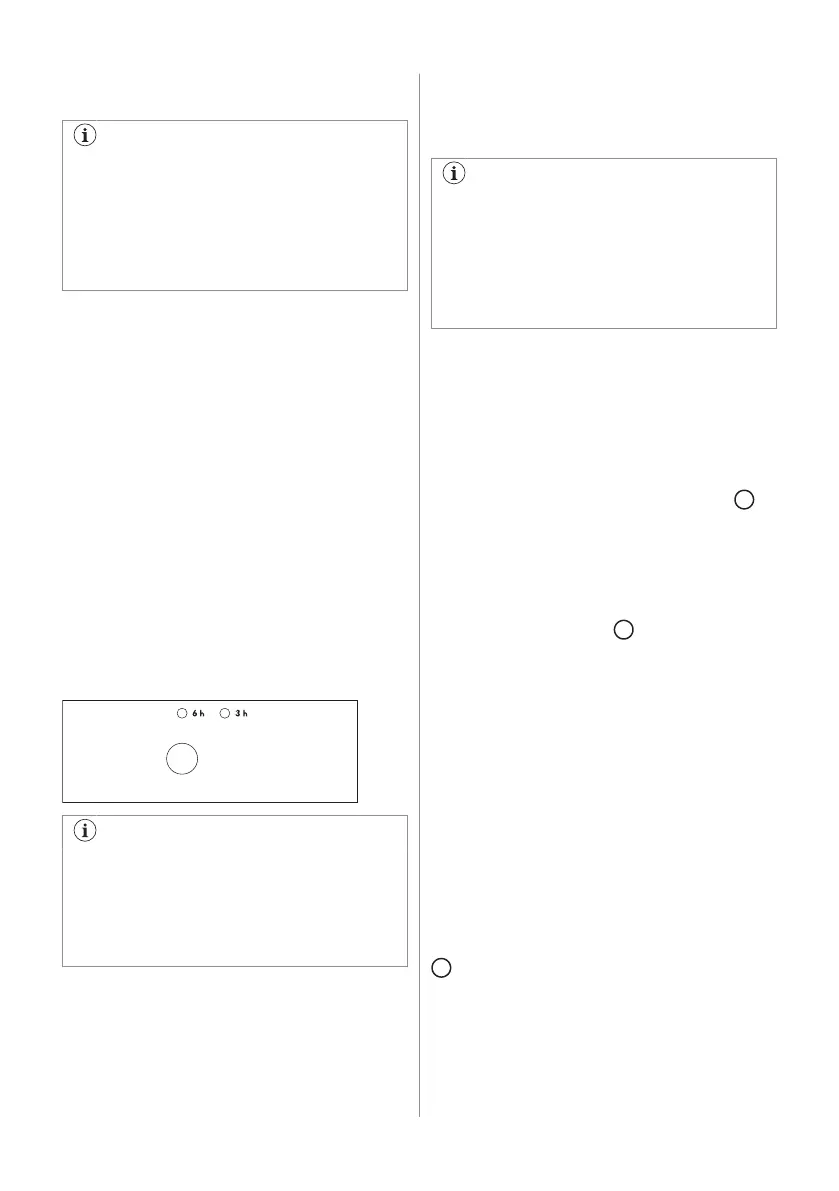
To set delay the start option press the button
Delay Start repeatedly, to select the desired
delay. The indicator of the set delay is on.
You must select this option after you
have set the programme and before you
press button Start/Pause .
You can cancel or change the set of the
delay start before you press the button
Start/Pause .
Cancelling the delayed start after having
pressed button Start/Pause:
1. Press the button Start/Pause to set
appliance to pause.
2. Press the button Delay Start until the
indicator of the set delay goes off.
3. Press button Start/Pause to start the
programme.
The selected delay can be changed only
after selecting the washing programme
again. The door will be locked throughout
the delay time (door locked indicator is
on).
The Delay Start can not be selected with
Drain or Spin programme.
10.6 Interrupting a programme and
changing option
The programme can be changed as long as
the button Start/Pause has not been pressed.
Changing a running programme is possible
only by resetting it:
1. Turn the programme selector dial to
.
2. Select the new programme position and
set desired options.
3. Press the button Start/Pause again.
10.7 Cancelling a programme
Turn the selector dial to position to cancel
a programme which is running. Now you can
select a new programme.
10.8 Opening the door after the
programme operates
Press the button Start/Pause to open the
door.
After some minutes, the door can be opened,
when the following conditions are observed:
• The water temperature is below 55°C.
• The water level is below the bottom edge
of the door.
• The machine doesn’t spin.
If you cannot open the door appliance has to
be switched off by turning the selector dial to
. After few minutes the door can be opened
(pay attention to the water level and
temperature!).
ENGLISH 17



 To Next Page